22 Menu Guide
Hide or reveal selected pictures as described below.
Hidden
pictures are visible only in the Hide image menu and can only
be deleted by formatting the memory card.
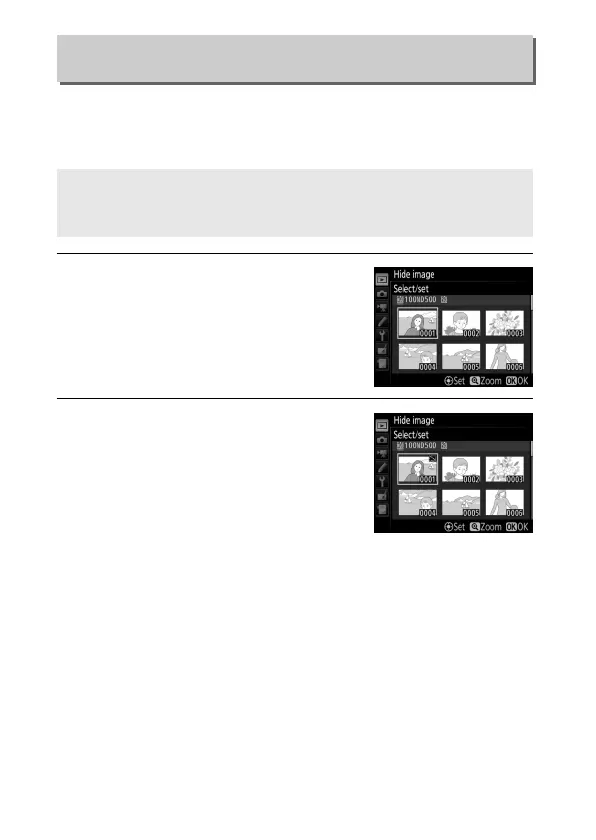
1 Choose Select/set.
Highlight Select/set and press 2 (to
skip the remaining steps and reveal all
pictures, highlight Deselect all and
press J).
2 Select pictures.
Use the multi selector to scroll
through the pictures on the memory
card (to view the highlighted picture
full screen, press and hold the X
button) and press the center of the
multi selector to select the current
picture.
Selected pictures are marked by a R icon; to deselect
a picture, highlight it and press the center of the multi
selector again.
Continue until all the desired pictures have
been selected.
Hide Image
G button ➜ D playback menu
D Protected and Hidden Images
Revealing a protected image will also remove protection from the
image.



 To Next Page