90
❚❚ NEF (RAW) Compression
To choose the type of compression for NEF (RAW) images,
highlight NEF (RAW) recording > NEF (RAW) compression in
the photo shooting menu and press 2.
❚❚ NEF (RAW) Bit Depth
To choose a bit depth for NEF (RAW) images, highlight NEF
(RAW) recording > NEF (RAW) bit depth in the photo shooting
menu and press 2.
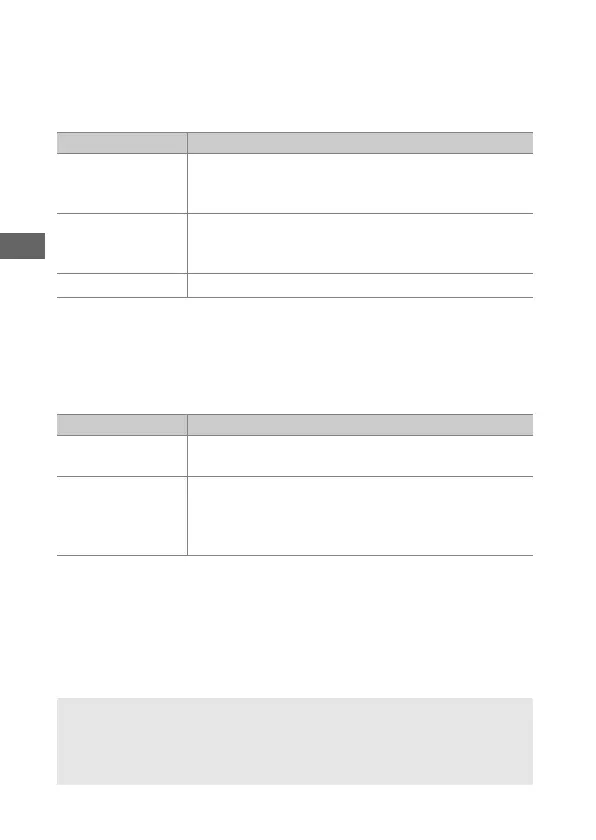
Option Description
N
Lossless
compressed
NEF images are compressed using a reversible
algorithm, reducing file size by about 20–40% with
no effect on image quality.
O
Compressed
NEF images are compressed using a non-reversible
algorithm, reducing file size by about 35–55% with
almost no effect on image quality.
Uncompressed NEF images are not compressed.
Option Description
q
12-bit
NEF (RAW) images are recorded at a bit-depth of
12 bits.
r
14-bit
NEF (RAW) images are recorded at a bit depth of
14 bits, producing files larger than those with a bit
depth of 12 bits but increasing the color data
recorded.
A NEF (RAW) Images
JPEG copies of NEF (RAW) images can be created using Capture NX-D
or other software or the NEF (RAW) processing option in the retouch
menu (0 278).



 To Next Page