207
The settings in the information display
can be adjusted by keeping one of the
following buttons pressed while rotating
a command dial:
• T (0 88, 91)
• U (0 156; to fine-tune white balance,
keep the button pressed and use the
multi selector)
• I (0 126)
• Y (0 124)
• E (0 139)
• S (0 119)
• W/M (0 192, 194)
• BKT (0 142)
• AF-mode (0 98, 100)
• Any of the buttons that can be assigned a function using
Custom Setting f1 (Custom control assignment, 0 268) or f10
(Assign MB-D18 buttons, 0 270), provided the button can be
used in combination with the command dials
Using the Command Dials
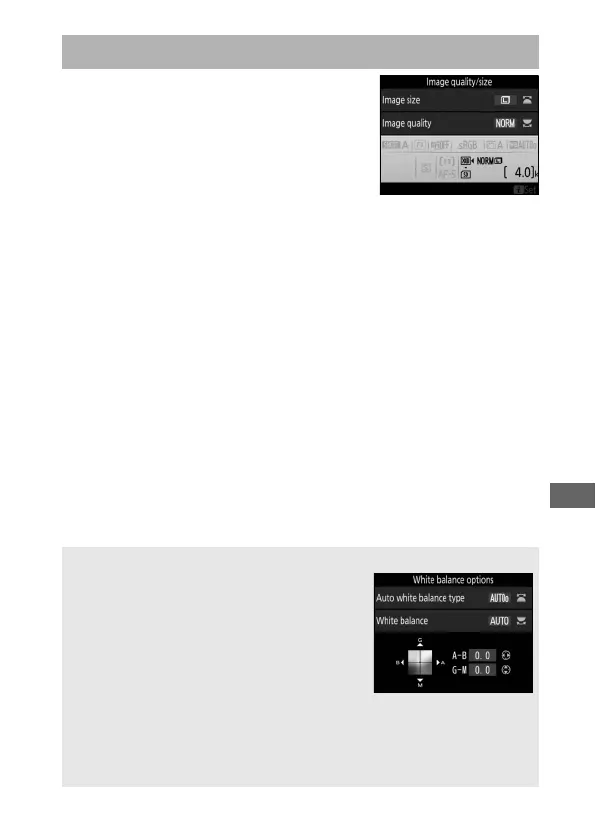
A White Balance
Press the U button to adjust white balance
settings in the information display. Rotate
the main command dial to choose the white
balance mode and rotate the sub-command
dial to choose a sub-option for v (auto) or
I (fluorescent) mode, the color
temperature (mode K, “choose color
temperature”), or white balance preset (preset manual mode). In
modes other than K (“choose color temperature”) and preset manual,
you can use the multi-selector to fine-tune white balance on the
amber (A)–blue (B) and green (G)–magenta (M) axes.



 To Next Page