52
Negative Digitizer
To record positives of copies of film negatives, press the i button
and select Color negatives or Monochrome negatives for
Negative digitizer.
1 Position the negatives in front of a featureless white or gray
background.
We recommend using an AF-S Micro NIKKOR 60mm f/2.8G ED
or other micro lens and either natural light or an artificial light
source with a high R
a (color rendering index), such as a light
box or a high-CRI fluorescent lamp.
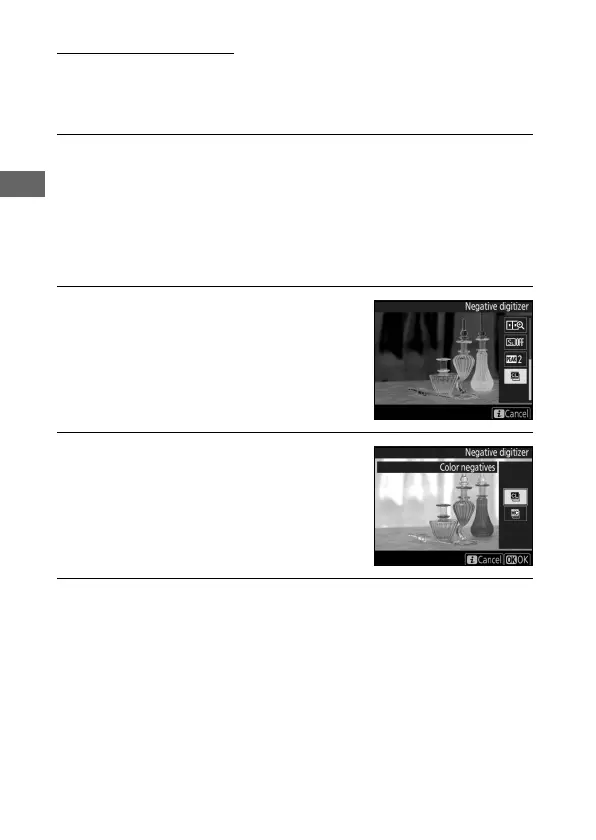
2 In live view, press the i button,
highlight Negative digitizer, and
press 2.
The colors in the display will be
reversed.
3 Choose the film type.
Highlight Color negatives or
Monochrome negatives and press
J.
4 Compose the shot to capture a frame of the film negative.



 To Next Page