302
Using the Battery Pack
❚❚ Attaching the Battery Pack
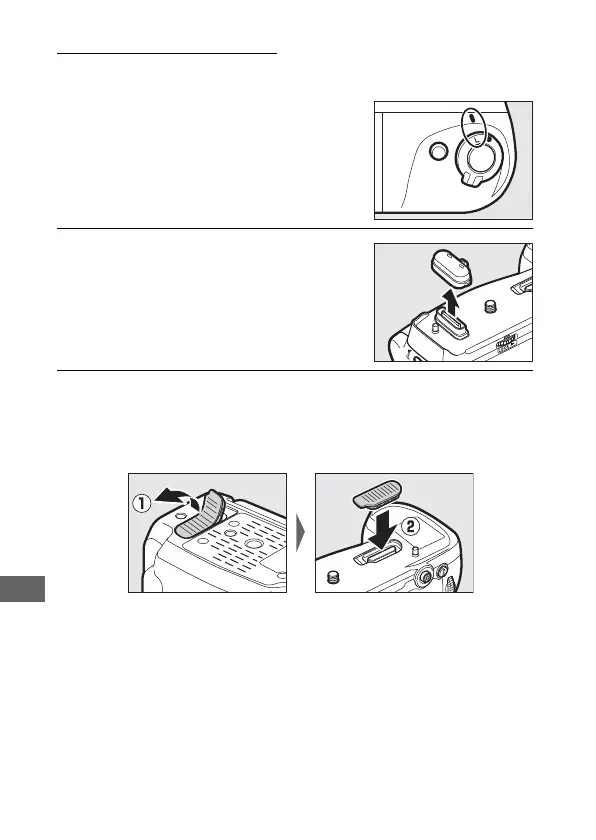
Before attaching the battery pack, be
sure that the camera is off and that the
MB-D18 control lock is in the L position.
1 Remove the contact cap from the
battery pack.
2 The contacts for the MB-D18 are in the base of the camera,
where they are protected by a contact cover. Remove the
contact cover (q) and place it in the contact cover holder
on the MB-D18 (w).



 To Next Page