32
“Point-and-Shoot” Photography
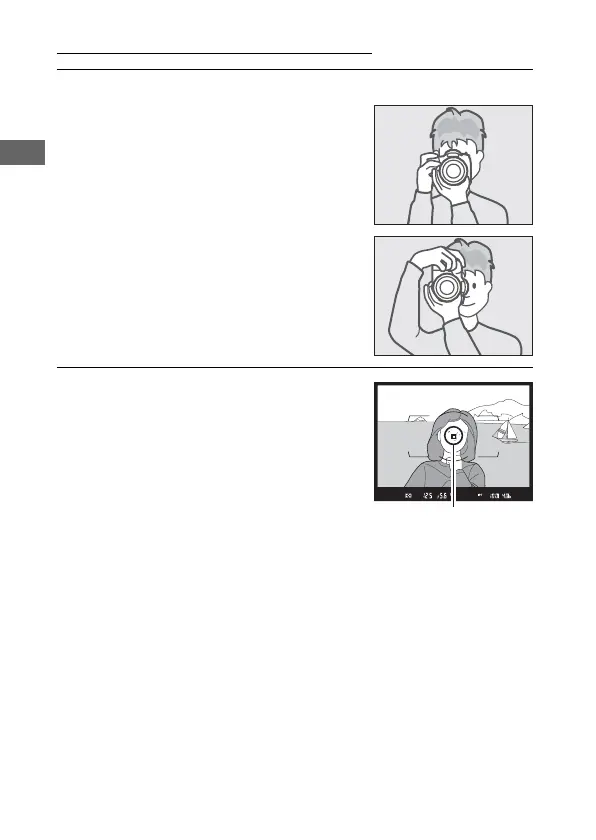
1 Ready the Camera.
When framing photographs in the
viewfinder, hold the handgrip in your
right hand and cradle the camera
body or lens with your left.
When framing photographs in
portrait (tall) orientation, hold the
camera as shown.
2 Frame the photograph.
At default settings, the camera will
focus on the subject in the center
focus point. Frame a photograph in
the viewfinder with the main subject
in the center focus point.



 To Next Page