33
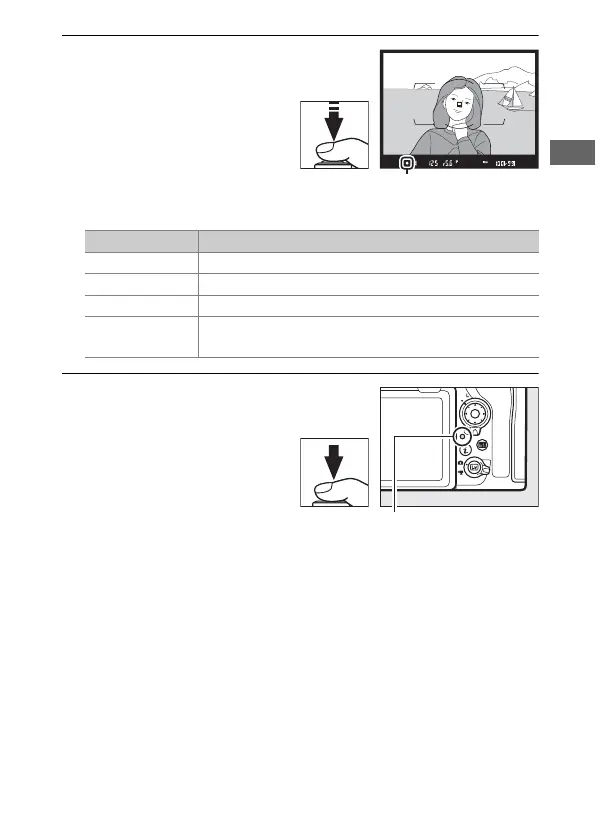
3 Press the shutter-release
button halfway.
Press the shutter-release
button halfway to focus.
The in-focus indicator (I)
will appear in the
viewfinder when the focus
operation is complete.
4 Shoot.
Smoothly press the
shutter-release button the
rest of the way down to
take the photograph. The
memory card access lamp
will light and the
photograph will be
displayed in the monitor
for a few seconds. Do not eject the memory card or remove or
disconnect the power source until the lamp has gone out and
recording is complete.
Viewfinder display Description
I Subject in focus.
F Focus point is between camera and subject.
H Focus point is behind subject.
FH
(flashes)
Camera unable to focus on subject in focus point
using autofocus (0 110).



 To Next Page