59
Movies
Read this section for information on recording and viewing
movies.
Movies can be recorded in live view.
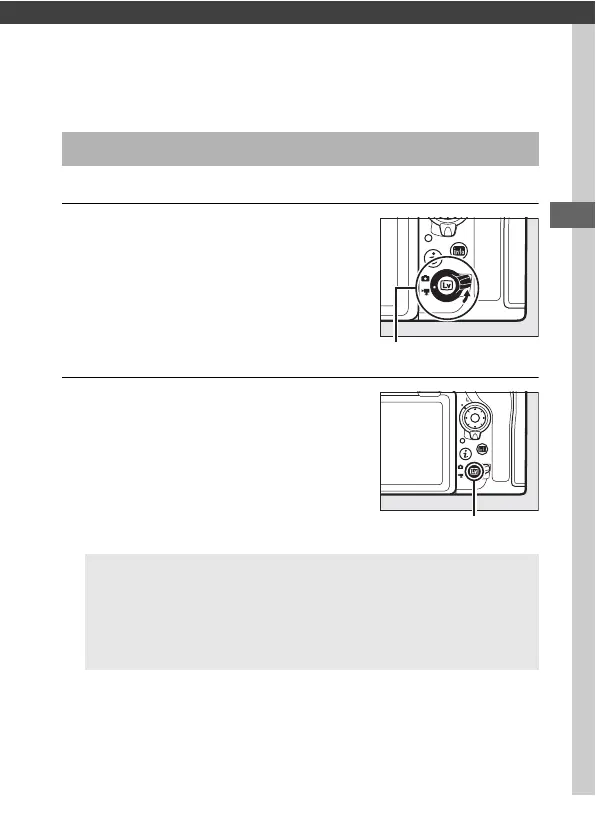
1 Rotate the live view selector to
1 (movie live view).
2 Press the a button.
The mirror will be raised and the view
through the lens will be displayed in
the camera monitor, modified for the
effects of exposure. The subject will
no longer be visible in the viewfinder.
Recording Movies
D The 0 Icon
A 0 icon (0 71) indicates that movies cannot be recorded.
A White Balance
White balance can be set at any time by pressing the U button
and rotating a command dial (0 156).



 To Next Page