44
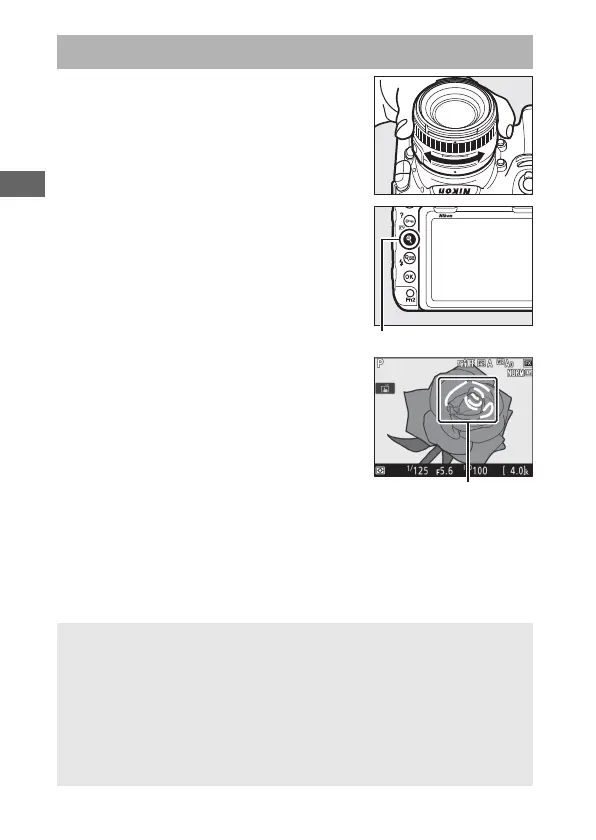
To focus in manual focus mode (0 111),
rotate the lens focus ring until the
subject is in focus. To magnify the view in
the monitor for precise focus, press the X
button (0 40).
You can also enable focus peaking, which
uses colored outlines to indicate objects
that are in focus. To enable focus
peaking, press the i button and select an
option other than Off for Peaking level
(0 45).
Manual Focus
A Previewing Focus During Live View
To temporarily select maximum aperture for an improved focus
preview during live view, press the Pv button; the maximum aperture
indicator (0 54) will be displayed. To return aperture to its original
value, press the button again or focus using autofocus. If the shutter-
release button is pressed all the way down to take a picture during
focus preview, aperture will return to the original value before the
photo is taken.



 To Next Page