40
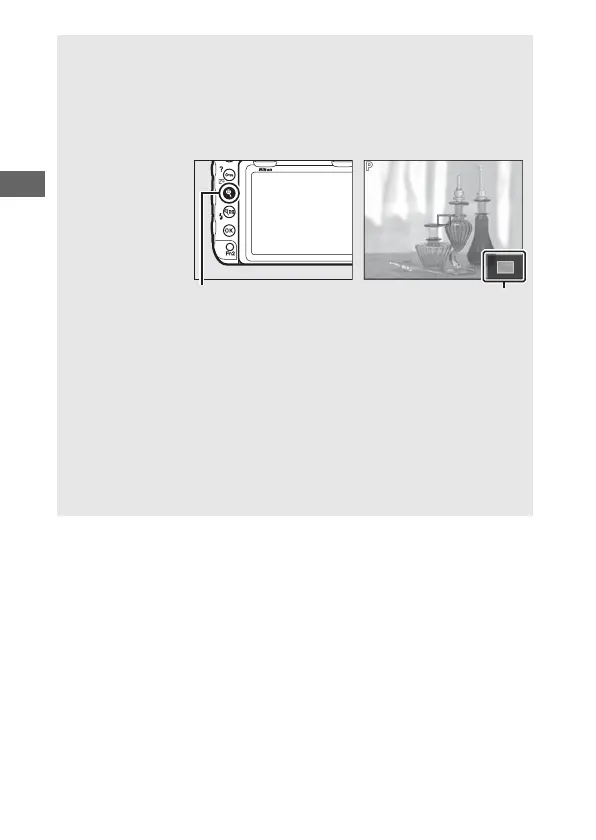
A Live View Zoom Preview
Press the X button to magnify the view in the monitor up to a
maximum of about 16×. A navigation window will appear in a gray
frame at the bottom right corner of the display. Use the multi selector
to scroll to areas of the frame not visible in the monitor, or press W (M)
to zoom out.
X button Navigation window
A See Also
For information on:
• Choosing how long the monitor remains on during live view, see
A > Custom Setting c4 (Monitor off delay, 0 264).
•
Choosing the roles played by the movie-record button and command
dials and by the center of the multi selector, see
A
> Custom Settings
f1 (
Custom control assignment
) >
Movie record button +
y
(
0
268)
and f2 (
Multi selector center button
,
0
268).
• Preventing unintended operation of the a button, see A > Custom
Setting f8 (Live view button options, 0 270).



 To Next Page