39
5 Take the picture.
Press the shutter-release button the
rest of the way down to shoot. The
monitor will turn off.
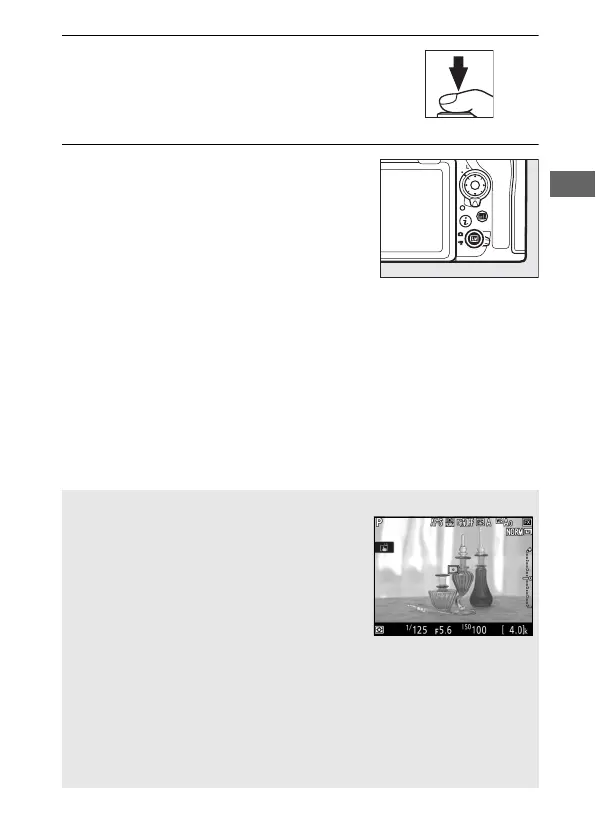
6 Exit live view.
Press the a button to exit live view.
A Exposure Preview
During live view, you can press J to preview
the effects of shutter speed, aperture, and
ISO sensitivity on exposure. Exposure can be
adjusted by ±5 EV (0 139), although only
values between –3 and +3 EV are reflected in
the preview display. Note that the preview
may not accurately reflect the final results
when flash lighting is used, Active D-Lighting (0 180), HDR (high
dynamic range; 0 182), or bracketing is in effect, A (auto) is selected for
the Picture Control Contrast parameter (0 178), or p is selected
for shutter speed. If the subject is very bright or very dark, the exposure
indicators will flash to warn that the preview may not accurately reflect
exposure. Exposure preview is not available when A or % is
selected for shutter speed.



 To Next Page