187
Optional Flash Units
To take photos with a flash, attach an optional flash unit (0 288)
to the camera accessory shoe. For information on using flash
units, see the documentation provided with the device.
Information on using multiple remote flash units may be found
in a Menu Guide available on Nikon websites (0 i).
Follow the steps below to mount an optional flash unit on the
camera and take photographs using the flash.
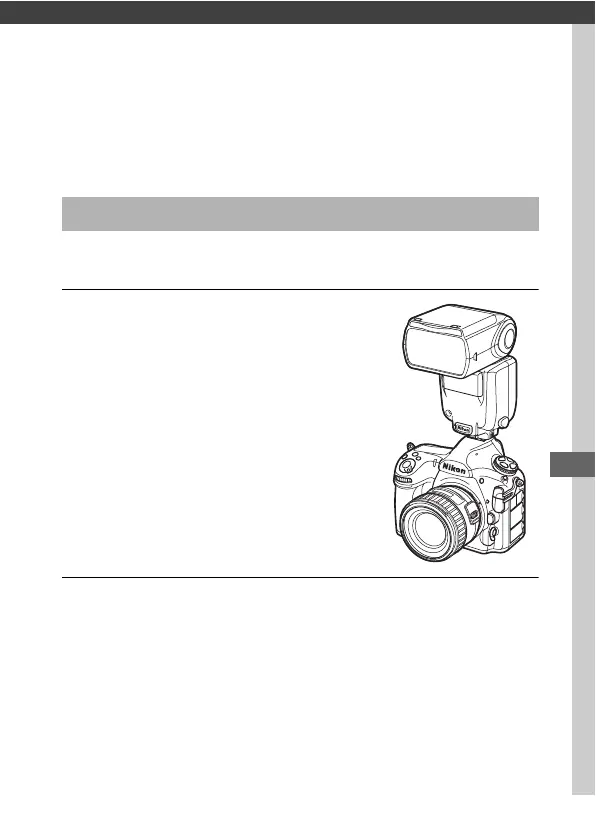
1 Mount the unit on the accessory
shoe.
See the manual provided with the unit
for details.
2 Turn on the camera and flash unit.
The flash will begin charging; the flash-ready indicator (c) will
be displayed in the viewfinder when charging is complete.
Using a Flash



 To Next Page