245
To delete the current photograph, press the O (Q) button. To
delete multiple selected photographs, use the Delete option in
the playback menu. Once deleted, photographs cannot be
recovered. Note that pictures that are protected or hidden
cannot be deleted.
During Playback
Press the O (Q) button to delete the current photograph.
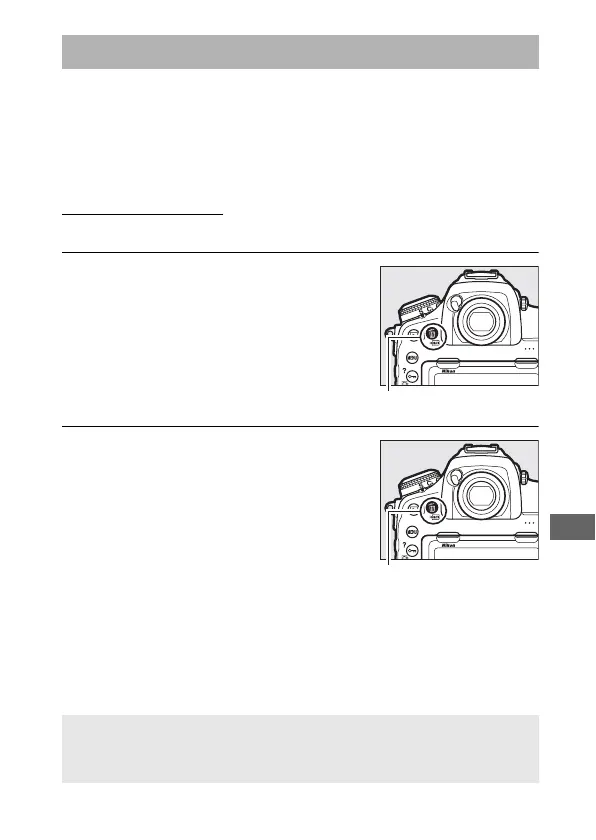
1 Press the O (Q) button.
A confirmation dialog will be
displayed.
2 Press the O (Q) button again.
To delete the photograph, press the
O (Q) button. To exit without
deleting the photograph, press the K
button.
Deleting Photographs
A See Also
For information on choosing the image displayed after an image is
deleted, see D > After delete (0 249).



 To Next Page