208
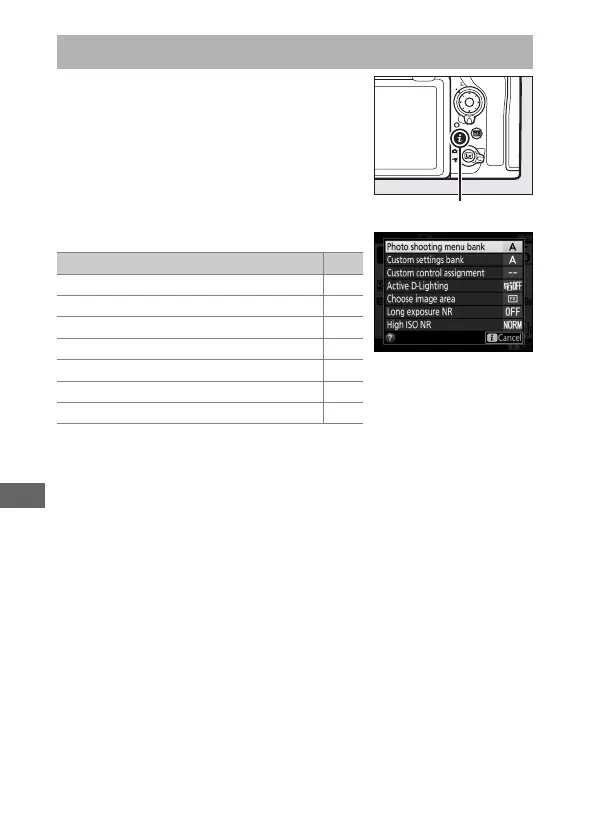
To access the options below, press the
i button during viewfinder
photography. Use the touch screen or
navigate the menu using the multi
selector and J button, pressing 1 or 3
to highlight items and J to view options.
To return to shooting mode, press the
shutter-release button halfway.
The i button
Option
0
Photo shooting menu bank 250
Custom settings bank 260
Custom control assignment 268
Active D-Lighting 180
Choose image area 86
Long exposure NR 253
High ISO NR 253



 To Next Page