92
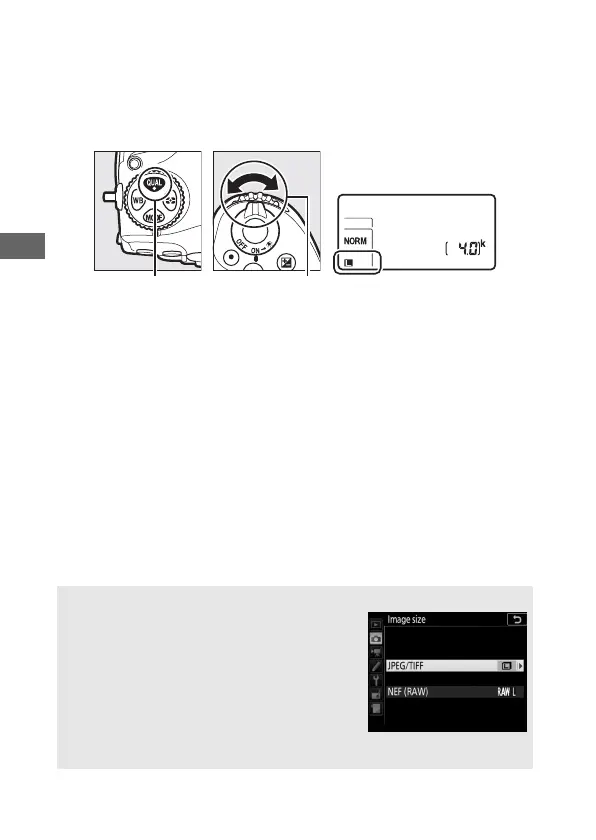
Image size for JPEG and TIFF images can be set by pressing the
T button and rotating the sub-command dial until the
desired option is displayed in the control panel. To choose the
size of NEF (RAW) images, use the Image size > NEF (RAW)
option in the photo shooting menu.
T button Sub-command
dial
A The Image Size Menu
Image size for JPEG and TIFF images can also
be adjusted using the Image size > JPEG/
TIFF option in the photo shooting menu
(0 251). Small and medium sized NEF (RAW)
images are recorded in lossless compressed
12-bit format, regardless of the options
selected for NEF (RAW) compression and
NEF (RAW) bit depth in the NEF (RAW) recording menu.



 To Next Page