106
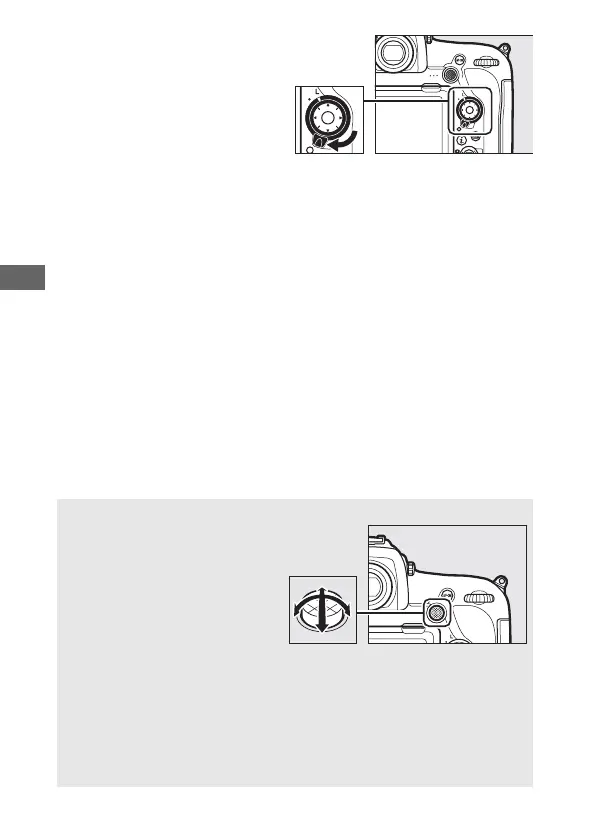
The focus selector lock can
be rotated to the locked (L)
position following
selection to prevent the
selected focus point from
changing when the multi
selector is pressed.
A The Sub-selector
The sub-selector can be used in
place of the multi selector to
select the focus point. Focus and
exposure lock while the center
of the sub-selector is pressed
(0 108, 137). Use the sub-
selector as shown; pressing the
sides may not have the desired
effect. Be careful not to put your fingers or fingernails in your eye when
using the sub-selector.
A Auto-area AF
The focus point for auto-area AF is selected automatically; manual
focus-point selection is not available.



 To Next Page