148
❚❚ White Balance Bracketing
The camera creates multiple copies of each photograph, each
with a different white balance.
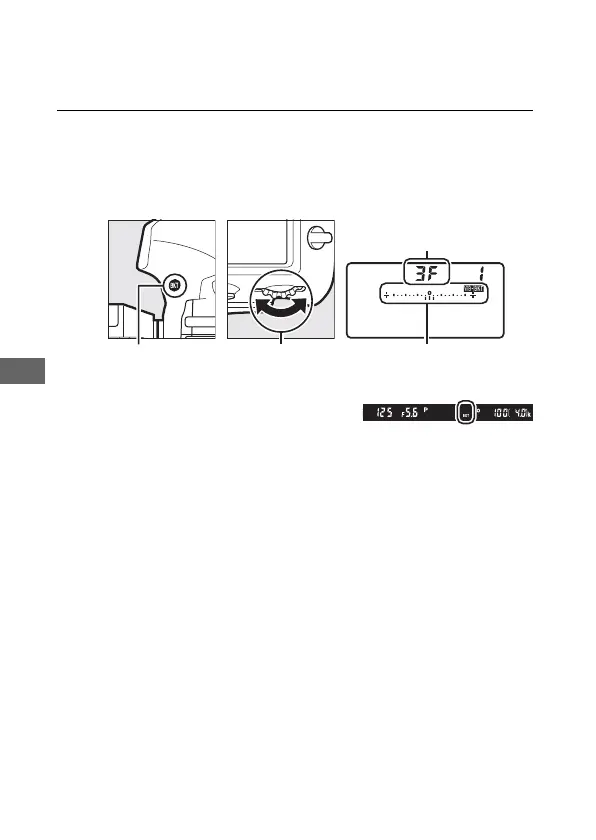
1 Choose the number of shots.
Pressing the BKT button, rotate the main command dial to
choose the number of shots in the bracketing sequence. The
number of shots is shown in the control panel.
At settings other than zero, a W
icon and WB bracketing indicator
will appear in the control panel and BKT will be displayed in
the viewfinder.
BKT button Main command
dial
WB bracketing indicator



 To Next Page