290
1 Not available with spot metering.
2 Can also be selected with flash unit.
3 qA/A mode selection performed on flash unit using custom settings. Unless lens data have
been provided using the Non-CPU lens data option in the setup menu, “A” will be
selected when a non-CPU lens is used.
4 Unless lens data have been provided using the Non-CPU lens data option in the setup
menu, non-TTL auto will be selected when a non-CPU lens is used.
5 Can only be selected using camera Flash control option.
6 Available only during close-up photography.
7 Unless lens data have been provided using the Non-CPU lens data option in the setup
menu, non-TTL auto (A) is used with non-CPU lenses, regardless of mode selected with flash
unit.
8Choice of qA and A depends on the option selected with master flash.
9 Supports the same features as remote flash units with optical AWL.
10 Available only in i-TTL, qA, A, GN, and M flash-control modes.
11 Available only in i-TTL flash control mode or when flash is set to emit monitor pre-flashes in
qA or A flash control mode.
12 Available only in commander mode.
13 Firmware updates for the SB-910 and SB-900 can be performed from the camera.
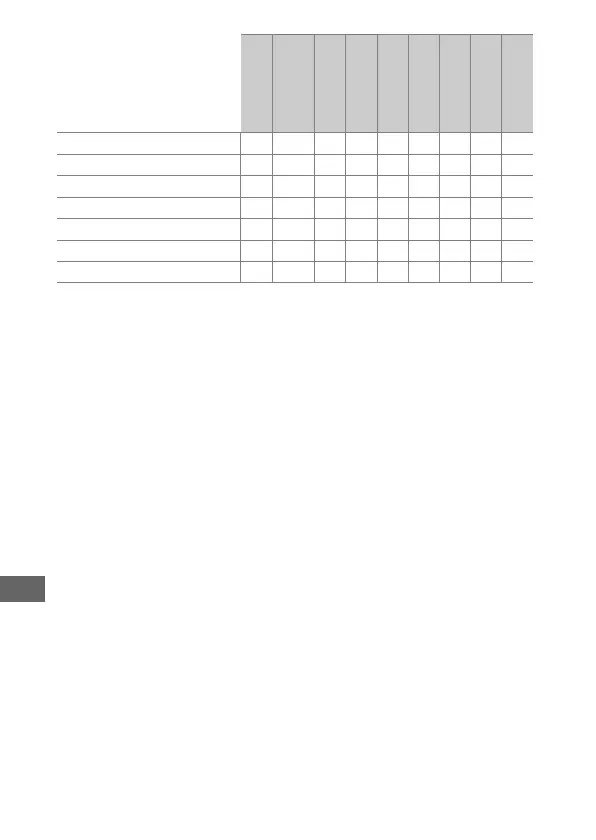
Auto FP High-Speed Sync
10
✔✔✔✔✔✔✔——
FV lock
11
✔ ✔ ✔✔✔✔✔✔✔
AF-assist for multi-area AF ✔✔✔✔— ✔
12
———
Red-eye reduction ✔✔✔✔✔——✔ —
Camera modeling illumination ✔✔✔✔✔✔✔——
Unified flash control ✔ ———✔ ——✔✔
Camera flash unit firmware update ✔✔
13
✔ — ✔ ———✔
SB-5000
SB-910, SB-900,
SB-800
SB-700
SB-600
SB-500
SU-800
SB-R200
SB-400
SB-300



 To Next Page