36
❚❚ Deleting Unwanted Photographs
To delete the photograph currently displayed in the monitor,
press the O (Q) button. Note that photographs cannot be
recovered once deleted.
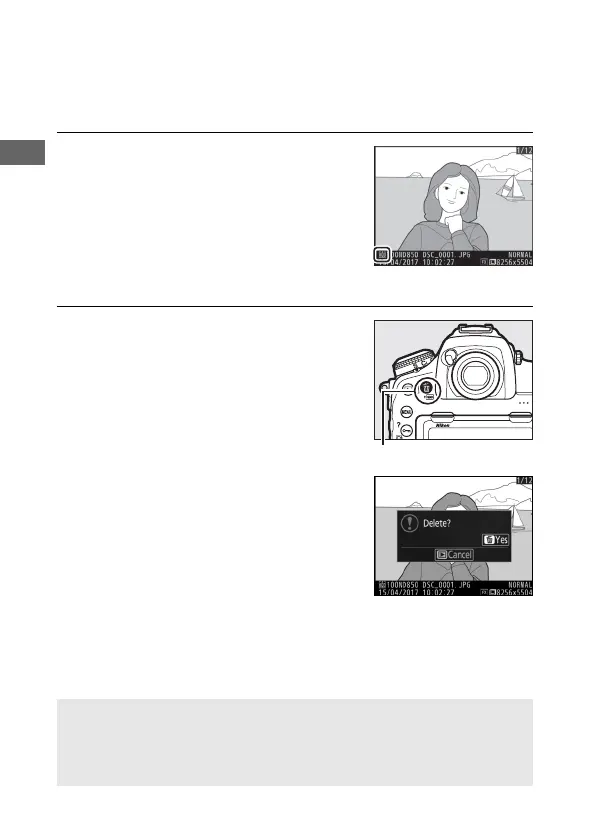
1 Display the photograph.
Display the photograph you wish to
delete as described in “Viewing
Photographs” (0 35). The location of
the current image is shown by an icon
at the bottom left corner of the
display.
2 Delete the photograph.
Press the O (Q) button. A
confirmation dialog will be displayed;
press the O (Q) button again to
delete the image and return to
playback. To exit without deleting the
picture, press K.
A Delete
To delete multiple images or to select the memory card from which
images will be deleted, use the Delete option in the playback menu
(0 246).



 To Next Page