23
07610-004-45-09-D
To access programming, the machine should be on and not in cycle.
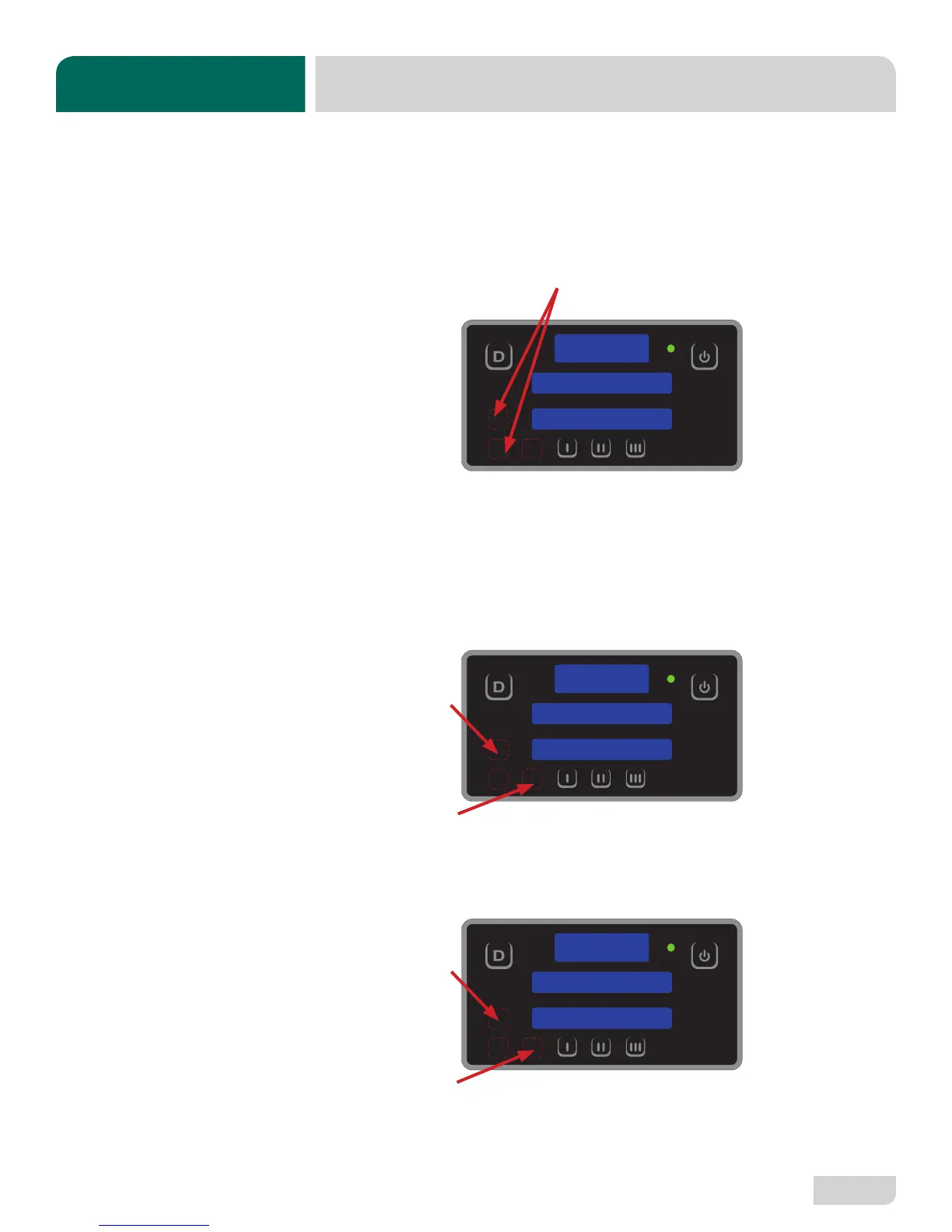
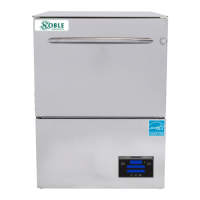
The programming buttons (Up-arrow, Down-arrow, and Select) are hidden on the
display and are shown below outlined with red dots. There is a full-size display
template at the end of the manual to help locate the programming buttons.
User Setup
1. Press and hold the Up-arrow and Down-arrow Buttons until “Setup” starts
ashing (2 - 3 seconds).
2. The display will then change to “Version” and show the rmware versions of the
IO module and PCB, Digital Display.
3. Use the Up-arrow Button to cycle through the categories (will be ashing).
• Language • Wash Oset
• Temperature Scale • Rinse Oset
• Wash Temperature • Boost Oset
• Boost Temperature • Spare Oset
4. Press the Select Button to choose the category you want to change.
• Regardless of the category, Steps 5 - 7 remain the same.
5. Use the Up-arrow Button to change the options (will be ashing). Numerical
options are shown in the top window.
6. Press the Select Button to accept the changes.
7. Press the Delime Button to exit.
PROGRAMMING
SETUP
LANGUAGE
LANGUAGE
ENGLISH
TROUBLESHOOTING
PROGRAMMING


 To Next Page