07610-004-45-09-D
22
PROGRAMMING
To access programming, the machine should be on and not in cycle.
The programming buttons (Up-arrow, Down-arrow, and Select) are hidden on the
display and are shown below as red outlines. There is a full-size display template at
the end of the manual to help locate the programming buttons.
Model Conrmation
The machine's program number must be correct to ensure the machine works
properly. To conrm the program number:
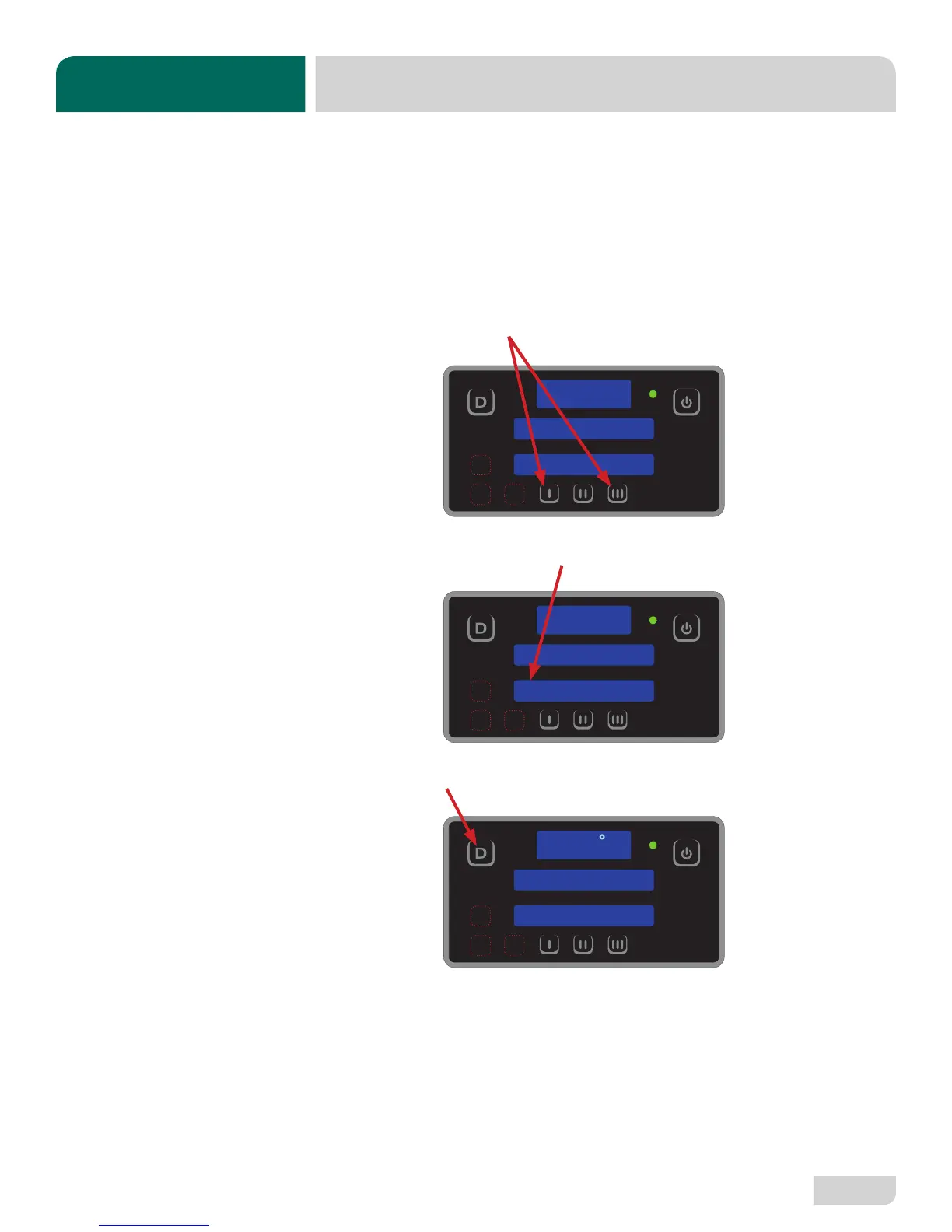
1. Press and hold the I and III Buttons until “Program” starts ashing (2 - 3
seconds).
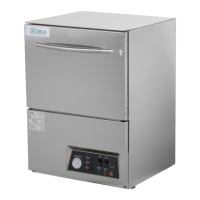
2. Conrm bottom display shows “8.” If not, contact a qualied service agency.
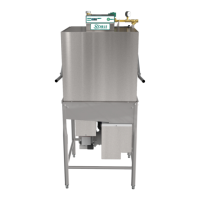
3. Press the Delime Button to exit.
PROGRAM
PROGRAM
8
READY
CYCLE 1
150
F
TROUBLESHOOTING
PROGRAMMING


 To Next Page