14
Making a Call
1)
Extend the phone’s antenna fully.
2)
Enter the area code and phone number, then press
. If you make a mistake, press
to erase digits one
by one. Press and hold
to clear the whole display.
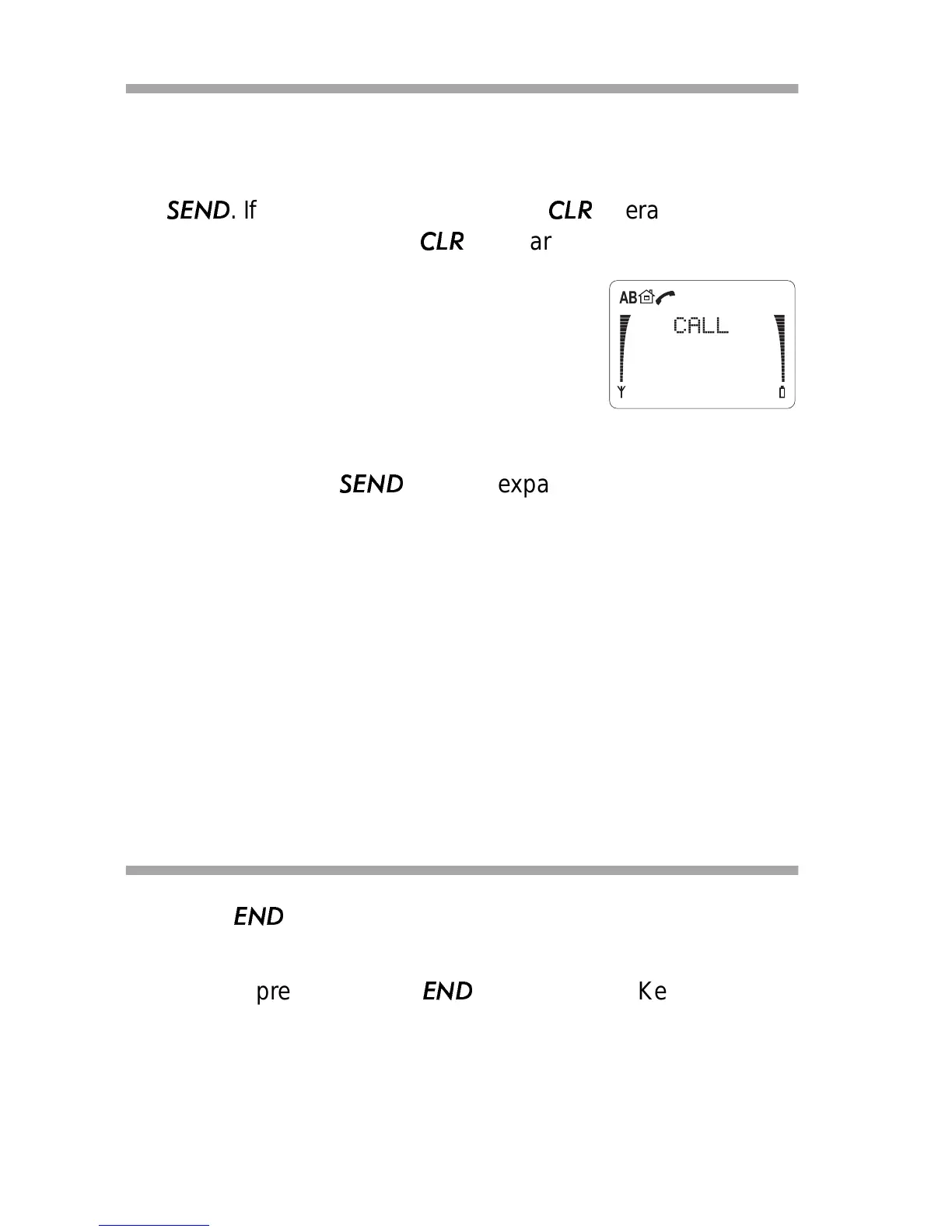
A phone symbol appears on the dis-
play. The call is connected when the
phone number disappears from the
display and
CALL appears.
For international calls, you can enter a ‘+’ at
the beginning of a number by pressing ∗∗. Then enter the
number, then press
. The ‘+’ expands to the international
dialing code prefix.
NO SERVICE appears and the phone beeps if you try to make
a call when your phone is outside the cellular service area.
CALL NOT ALLOWED appears if you try to make a call that is
restricted (see “Allowed Calls (Menu 5 2 2)” on page 47), or if the
phone is locked.
If you receive a call when you’re trying to make a call, the
incoming call comes through and the outgoing call is cancelled.
Ending a Call
•Press
.
Note: If you press and hold
, you’ll activate Keyguard
(see “Keyguard” on page 17).



 To Next Page