32
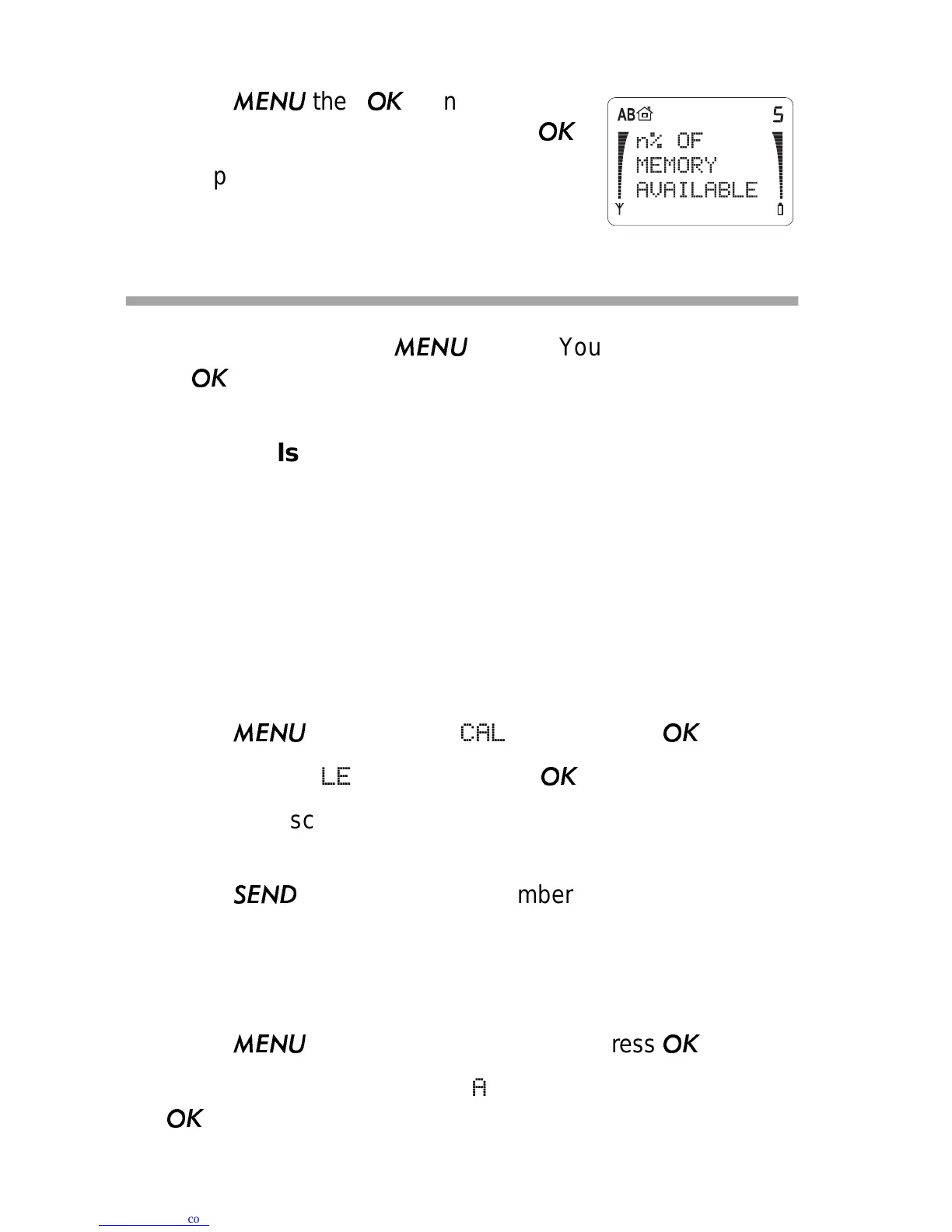
Phone Book Status (Menu 1 5)
1) Press
then
then ▼ to scroll
to
PHONE BOOK STATUS. Press
.
2) The phone displays the percentage of
memory available.
Call Log (Menu 2)
To access Menu 2, press
then ▼. You’ll see CALL LOG;
press
.
Dialed Calls (Menu 2 1)
The phone automatically stores the last ten numbers you called
or attempted to call. The same phone number isn’t stored twice
in the list. When you dial a number that already exists in the list,
the dialed number is moved to the top.
The Dialed Calls list remains in the phone's memory when the
phone is switched off. If you want to erase it, use Menu 2 2.
1) Press
▼. You’ll see
CALL LOG; press
.
2) You’ll see
DIALED CALLS. Press
again.
3) Press ▼ to scroll through the last 10 numbers you have
dialed.
Press
to dial one of the numbers.
Erase All Recent Calls (Menu 2 2)
Note: This menu erases Dialed Calls, and can’t be undone!
1) Press
▼. You’ll see
CALL LOG; press
.
2) Press ▼ to scroll to
ERASE ALL RECENT CALLS. Press
.



 To Next Page