35
2) Press ▼ to scroll to
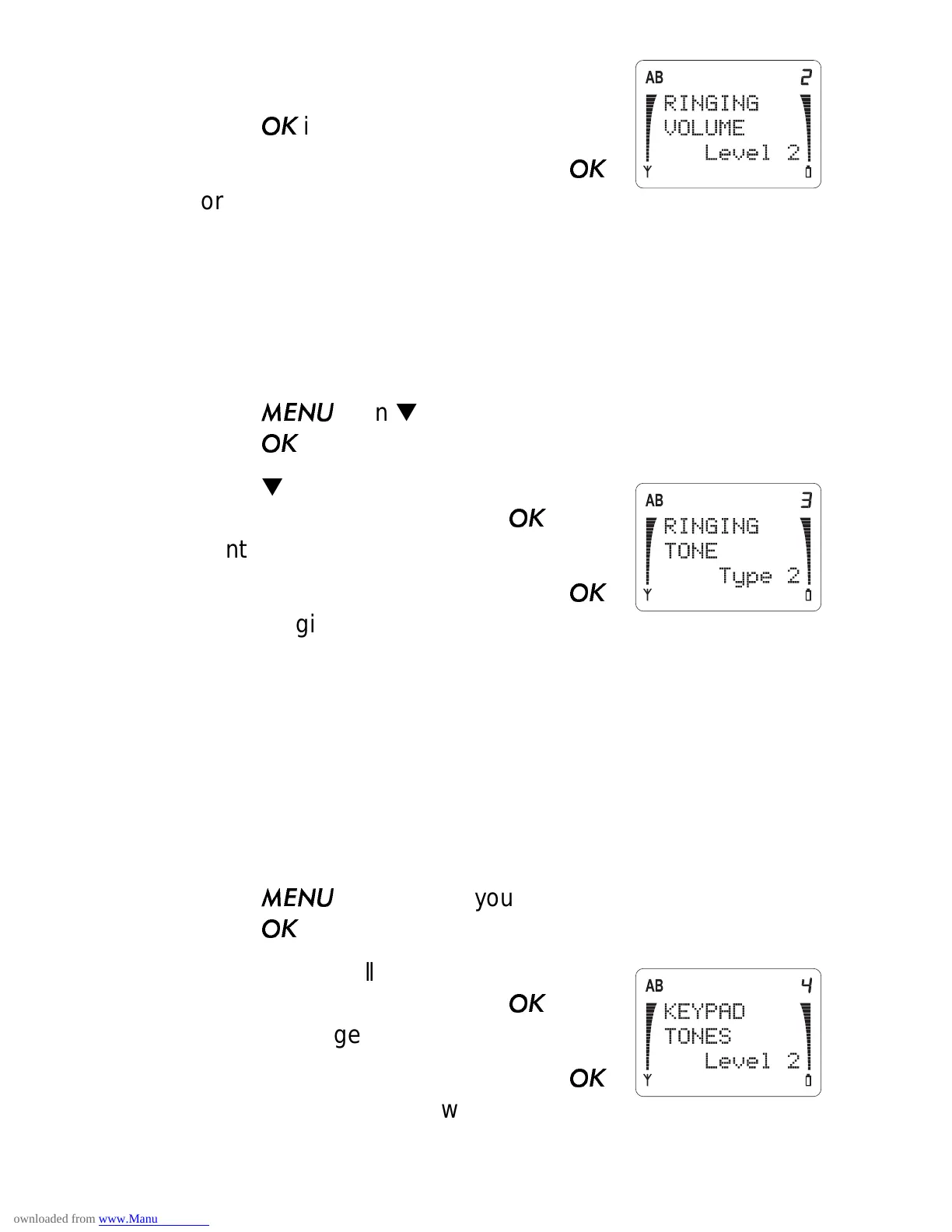
RINGING
VOLUME
and the current setting.
Press
if you want to change it.
3) Press ▼ to move the pointer. Press
for the ringing volume you want.
Ringing Tone (Menu 3 3)
There are 6 different ring tones to choose from. As you scroll
through each type, the phone rings so you can hear each one.
1) Press
then ▼ until you see
PHONE SETTINGS.
Press
.
2) Press ▼ to scroll to
RINGING TONE
and the current setting. Press
if you
want to change it.
3) Press ▼ to move the pointer. Press
for the ringing tone you want.
Keypad Tones (Menu 3 4)
When you press the buttons on your phone, the phone beeps
(the sound depends on which key you press). With this menu,
you can choose between three volume levels or you can turn the
keypad tones off.
1) Press
then ▼ until you see
PHONE SETTINGS.
Press
.
2) Press ▼ to scroll to
KEYPAD TONES
and the current setting. Press
if you
want to change it.
3) Press ▼ to move the pointer. Press
to choose the one you want, or select
Off.



 To Next Page