36
Note: You can still send Touch Tones even when the keypad
tones are switched off.
Note: Keypad tones are set to Off when you choose
Silent
in
“Ringing Options (Menu 3 1)”. See page 34.
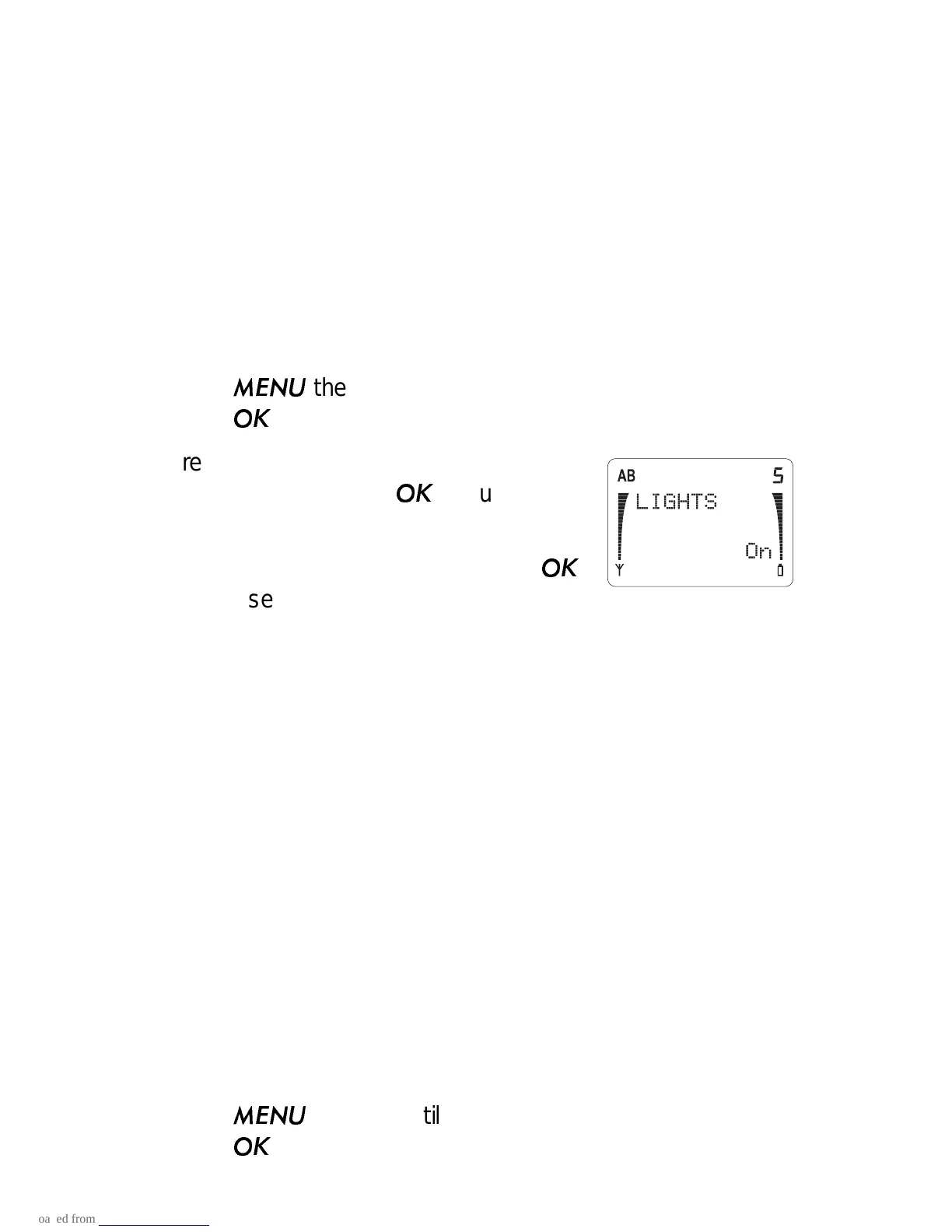
Lights (Menu 3 5)
The keypad and phone display have lights to make them easy
to read. This menu allows you to set the phone's lights On or
Off.
1) Press
then ▼ until you see
PHONE SETTINGS.
Press
.
2) Press ▼ to scroll to
LIGHTS and the
current setting. Press
if you want to
change it.
3) Press ▼ to move the pointer. Press
to choose On or Off.
Lights On
The keypad and display backlights are on for 15 seconds after
the last keypress.
Lights Off
The lights are off permanently, except if Silent ringing is selected.
Then they flash to indicate an incoming call.
1-Touch Dialing (Menu 3 6)
This menu gives you the option of dialing memory locations 1-8
by pressing and holding a single number key for 2 seconds
(location 1 is recommended to be used for the Voice Mailbox
Number). For example, pressing and holding 5 dials the number
stored in location 5.
1) Press
then ▼ until you see
PHONE SETTINGS.
Press
.



 To Next Page