34
Phone Settings (Menu 3)
To access Menu 3, press
, then ▼ until you see PHONE
SETTINGS
. Press
.
Ringing Options (Menu 3 1)
You can choose how you want the phone to indicate that there
is an incoming call.
1)
Press
then ▼ until you see
PHONE SETTINGS.
Press
.
2)
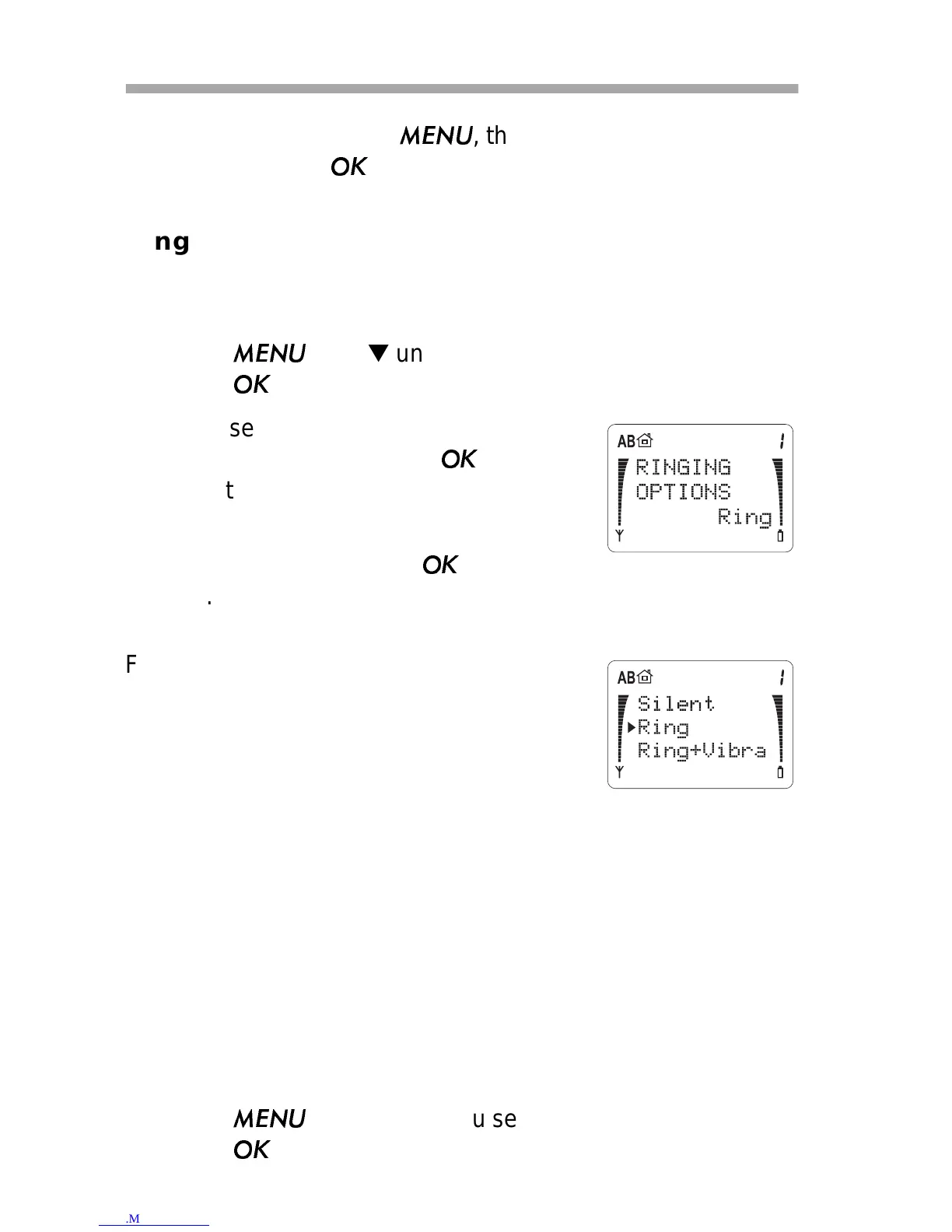
You’ll see
RINGING OPTIONS and
the current setting. Press
if you
want to change it.
3)
Press ▼ to move the pointer to the
choice you want. Press
to select
one.
For
Ring+Vibra or Vibrate to work,
you need the Vibra battery (BKL-6).
If you choose
Silent, the phone displays
SILENT when you aren’t using the other
functions of the phone. This message is to
remind you that the ringing tone is set to Off.
Note: When
SILENT is selected, all tones, except for the
charger-connected tone, are also switched off.
Ringing Volume (Menu 3 2)
With this menu you choose the ringing volume. As you scroll
through each of the 5 volume levels, the phone rings so you can
hear each level.
1)
Press
then ▼ until you see
PHONE SETTINGS.
Press
.



 To Next Page