40
Security Settings (Menu 4)
This menu lets you change your phone’s security and lock
codes, which are required for certain functions. You can also
reset the phone’s menus to their factory settings.
Note: You need your security code to access this menu. The default
security code is 12345.
To access Menu 4, press
, then ▼ until you see
SECU-
RITY SETTINGS. Press
.
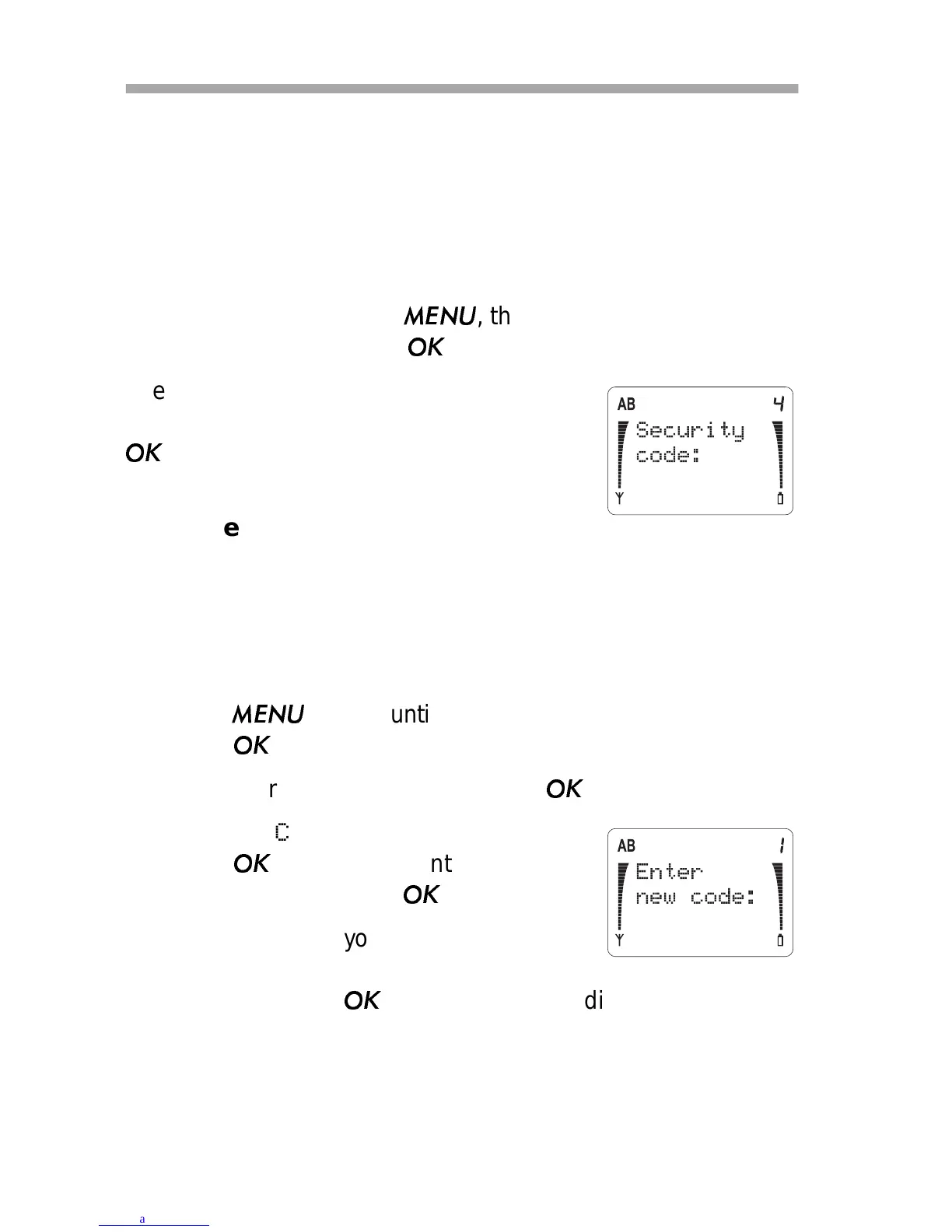
The phone asks for your security code. En-
ter your 5-digit security code and press
.
Change Lock Code (Menu 4 1)
The lock code is required when you want to lock your phone.
See “Lock Phone (Menu 6)” on page 47.
Note: The phone’s default lock code is 1234.
1)
Press
then ▼ until you see
SECURITY SETTINGS.
Press
.
2)
Enter your security code and press
.
3)
You’ll see
CHANGE LOCK CODE.
Press
to change it. Enter a new 4
digit lock code. Press
.
4)
The phone asks you to verify your new
lock code. Type in the new lock code
again and press
. The phone briefly displays
LOCK
CODE CHANGED
.



 To Next Page