39
calls, if this service is available from your cellular service
provider. For more information, please contact your cellular
service provider.
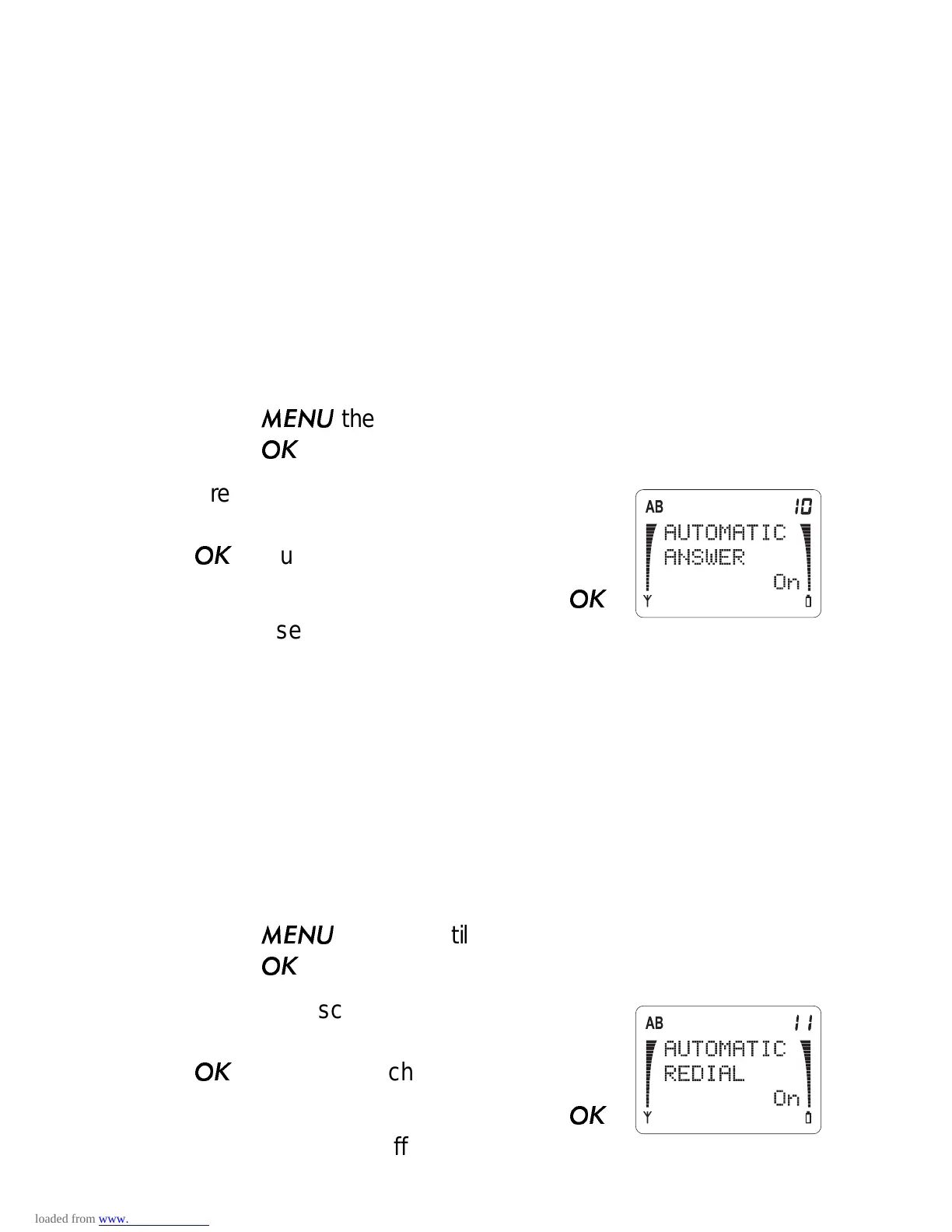
Automatic Answer (Menu 3 10)
Note: This feature applies only if the phone is in a handsfree car
kit.
With Automatic Answer On, the phone automatically answers
after 4 seconds.
1) Press
then ▼ until you see
PHONE SETTINGS.
Press
.
2) Press ▼ to scroll to
AUTOMATIC
ANSWER and the current setting. Press
if you want to change it.
3) Press ▼ to move the pointer. Press
to choose On or Off.
Automatic Redial (Menu 3 11)
Sometimes the cellular network is busy and your call can’t go
through. You get a
SYSTEM BUSY... message and are asked
to redial. If Automatic Redial is set to On, the phone automati-
cally tries 3 more times to connect the call. If the call connects,
the phone beeps to notify you.
1) Press
then ▼ until you see
PHONE SETTINGS.
Press
.
2) Press ▼ to scroll to
AUTOMATIC
REDIAL
and the current setting. Press
if you want to change it.
3) Press ▼ to move the pointer. Press
to choose On or Off.



 To Next Page