31
3) Edit the name: use the
key to delete characters, use ▼
and ▲ to move the cursor, and enter new characters as
required.
4) Edit the number: press
. Use the
key to delete dig-
its, use ▼ and ▲ to move the cursor, and enter new digits
as required. Press
.
5) At
SAVE IN LOCATION? press
.
If you did not change the name, or the
name you have entered matches one
already stored, then
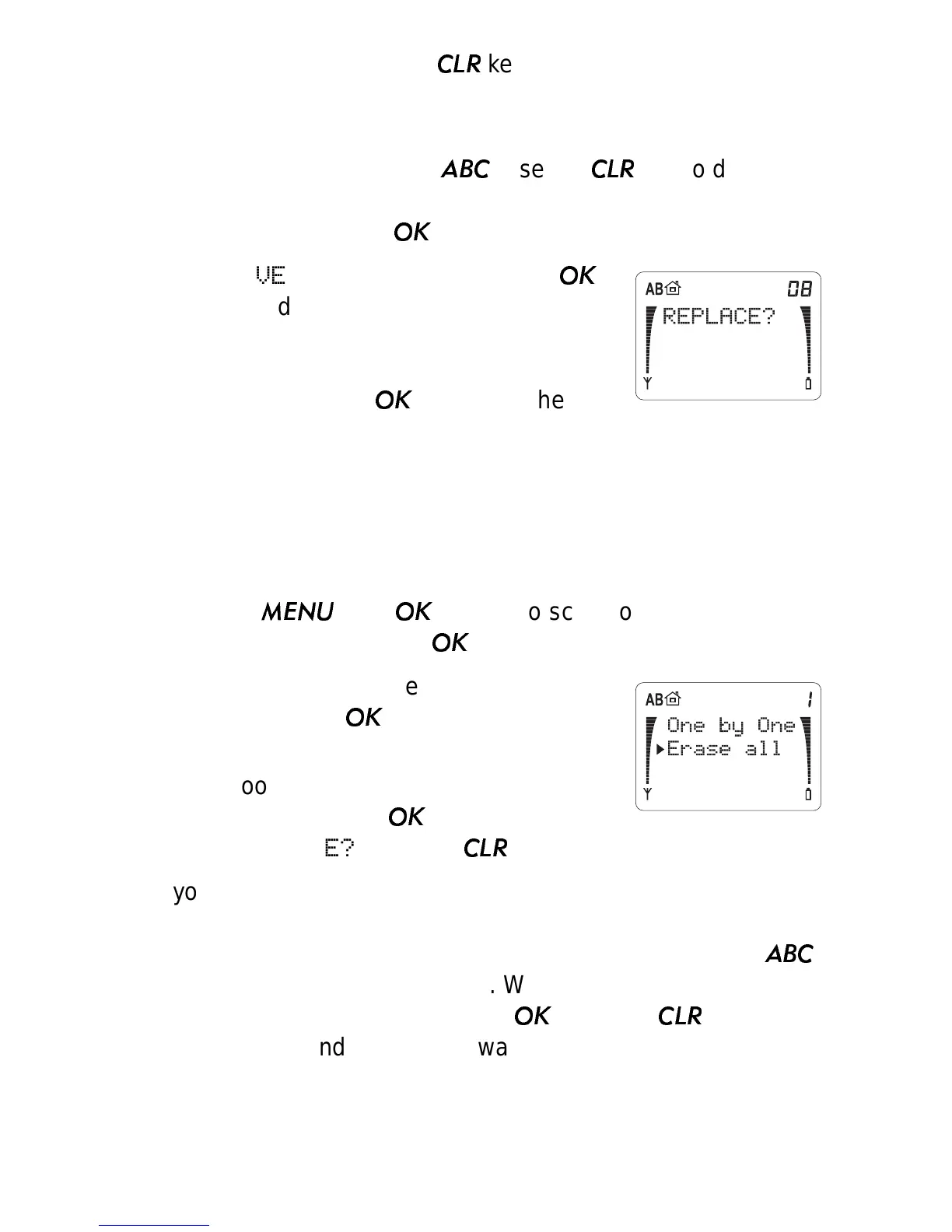
REPLACE? will be
displayed; press
to replace the
contents with the new (edited) name and number.
Erase From Phone Book (Menu 1 4)
Note: Be careful when erasing--it can’t be undone!
1) Press
then
then ▼ to scroll to
ERASE FROM
PHONE BOOK
.
Press
.
2) Press ▼ to move the pointer to your
choice. Press
to choose it.
If you choose
Erase All, the phone asks
you to confirm. Press
when you see
ARE YOU SURE?
,
or press
to exit without erasing.
If you choose
One by One, the phone displays Erase
name:
. Either enter the first few letters of the name then press
▼, or just press ▼ to scroll through stored names. Press
to see phone numbers to erase. When you see the name or
number you want to erase, press
, or press
if you
change your mind and do not want to erase.



 To Next Page