15
Answering a Call
• Press
or any key except
or the
key.
• To answer a waiting call (normally indicated by a beep),
press
. (Note that Call Waiting is a network feature.
You need to subscribe to it through your service provider.)
You can press
to stop the ringing sound without answering
the call.
Make sure the antenna is fully extended during the call.
Note: If Keyguard is active, a call can only be answered with
.
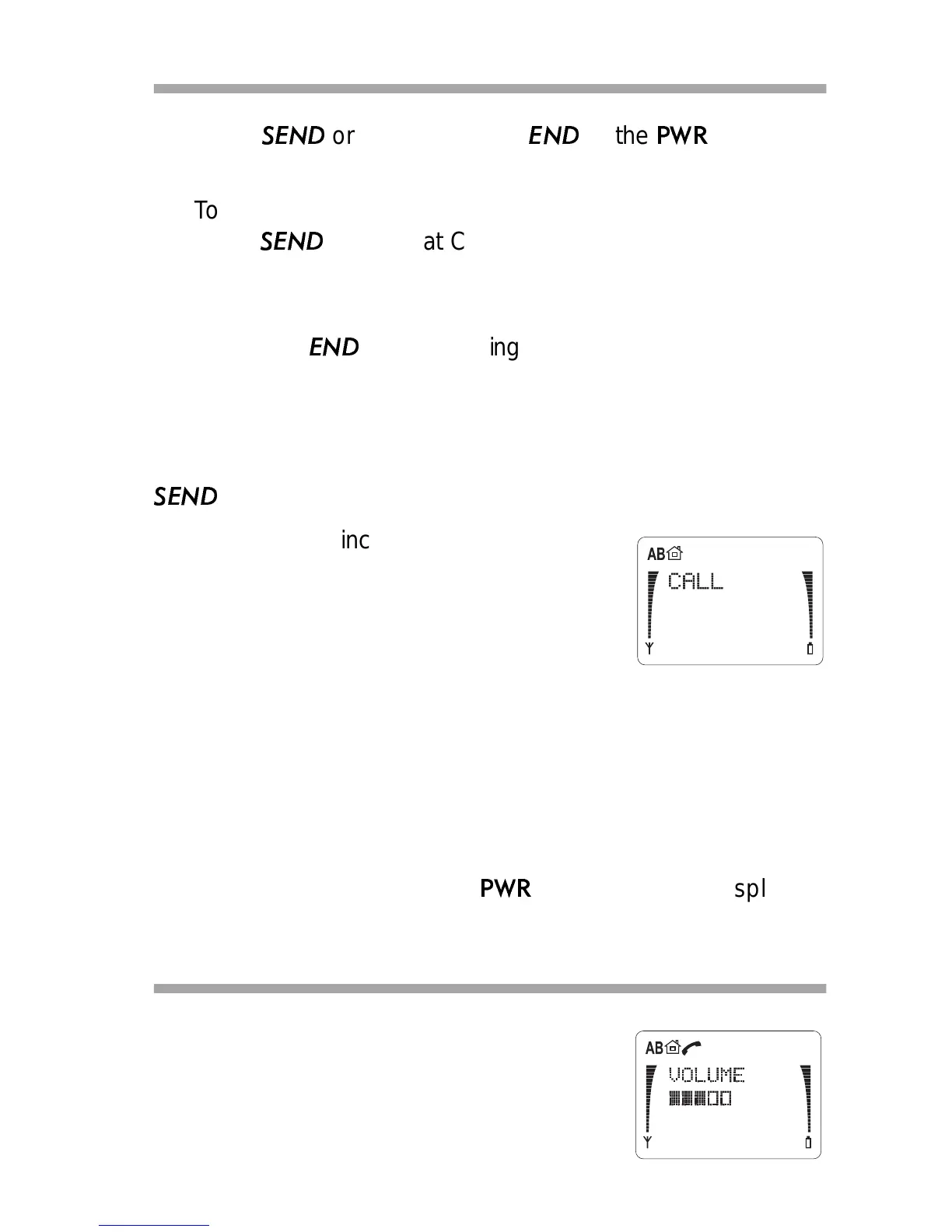
When there is an incoming call, the phone
rings and
CALL flashes on the display.
If you have set Ringing Options to
SILENT,
the keypad and display lights flash,
CALL
flashes on the display and the phone
makes a short beep (see “Ringing Options” on page 34).
You can answer a call any time, even while using Keyguard,
memory or menu functions.
If you don’t answer a call, the message
1 MISSED CALL or
‘n’ MISSED CALLS appears on the display and remains until
you press any key (except the
key) to clear the display.
Adjusting the Earpiece Volume
• During a call, press ▼ or ▲ to
decrease or increase the earpiece
volume level.



 To Next Page