38
1) Press
then ▼ until you see
PHONE SETTINGS.
Press
.
2) Press ▼ to scroll to
LANGUAGE and
the current setting. Press
if you
want to change it.
3) Press ▼ to move the pointer to your
choice. Press
to select an option.
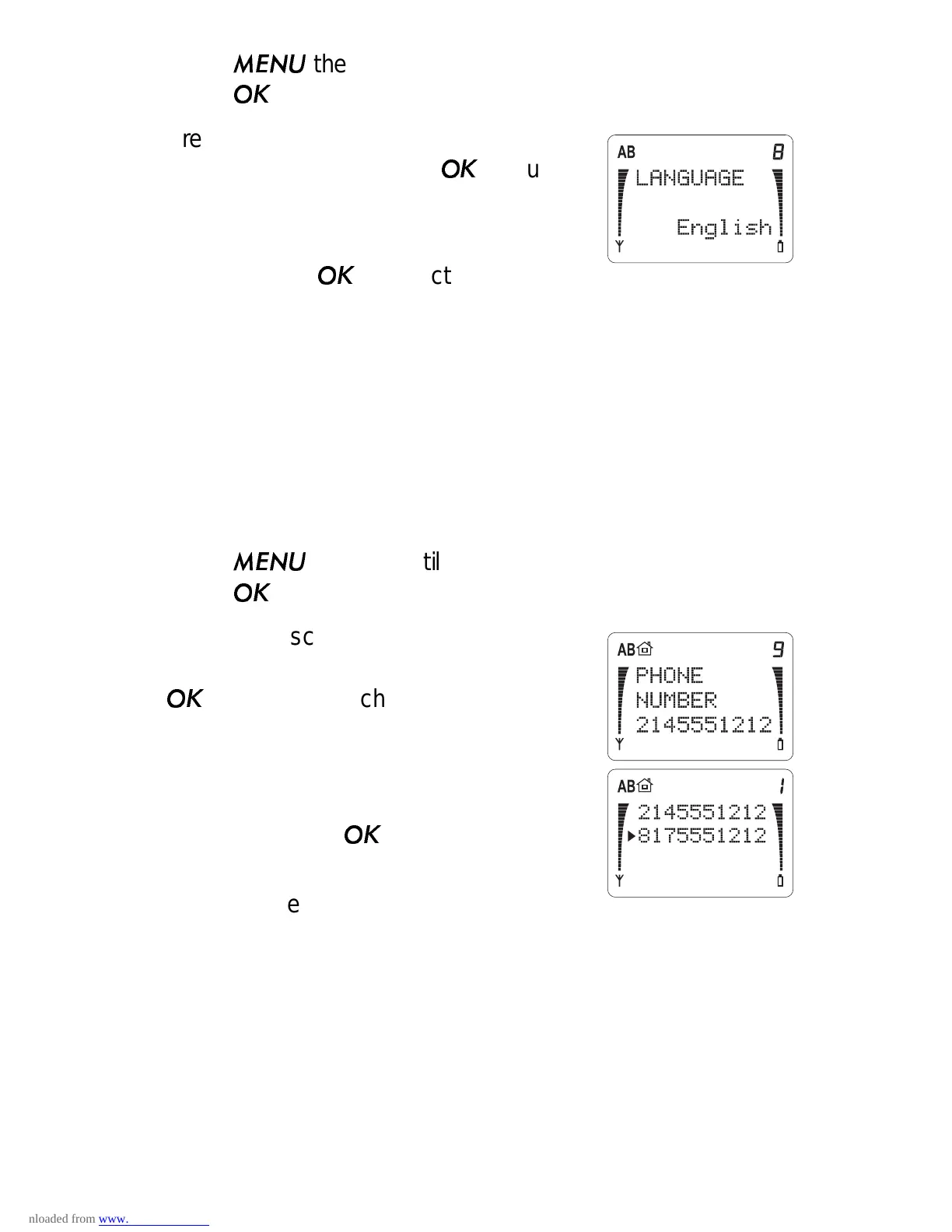
Phone Number (Menu 3 9)
Your phone can have two different telephone numbers. This
menu lets you choose which telephone number to use.
Note: In order to have two different telephone numbers, you
must subscribe to them through your cellular operator(s).
1) Press
then ▼ until you see
PHONE SETTINGS.
Press
.
2) Press ▼ to scroll to
PHONE NUMBER
and the current phone number. Press
if you want to change it.
3) Press ▼ to move the pointer to the
number you want (if there are two
available). Press
.
Note: If only one phone number is
programmed into your phone, you’ll only see that number in this
menu.
The phone can’t use both numbers at the same time and you
can’t change the number during a call.
If your phone is set to your first number, you can only receive
calls via that number. You may be able to forward calls from
your second number to your first number so you don’t miss any



 To Next Page