47
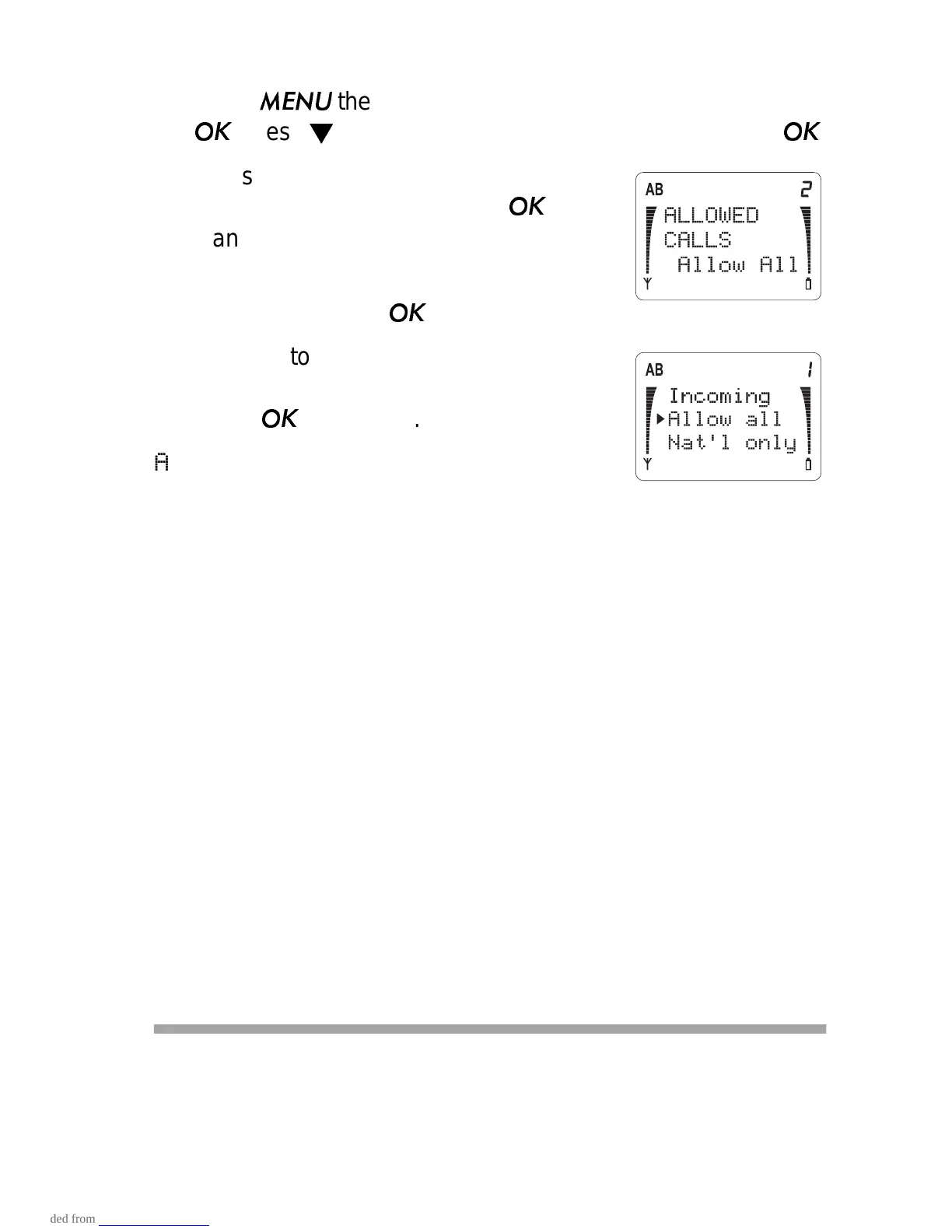
Allowed Calls (Menu 5 2 2)
1) Press
then ▼ until you see
CALL SETTINGS. Press
. Press
until you see
CALLING OPTIONS. Press
.
2) Press ▼ to scroll to
ALLOWED CALLS
and the current setting. Press
if you
want to change it.
3) The phone asks for your security code.
Enter it and press
.
4) Press ▼ to move the pointer to the
option you want (described below).
Press
to select it.
Allow all - There are no restrictions on
outgoing calls.
Nat’l only - You can only make calls within your own coun-
try; you cannot make international calls.
Local only - You can only make local calls, or calls to toll-
free numbers beginning with 1800, 1888, or 1877. You cannot
make national calls (prefixed with 1) or international calls
(prefixed with 011).
Mem. only - You can only make outgoing calls to numbers
stored in memory locations 10-14.
Note: You cannot store any numbers in the phone directory
when Mem. only is selected.
Incoming - You can only receive incoming calls; your phone
will not allow outgoing calls.
Lock Phone (Menu 6)
When you lock your phone, you cannot make outgoing calls
(except to the number stored in location 125 and the emergency
number programmed into your phone). Also, you cannot access



 To Next Page