37
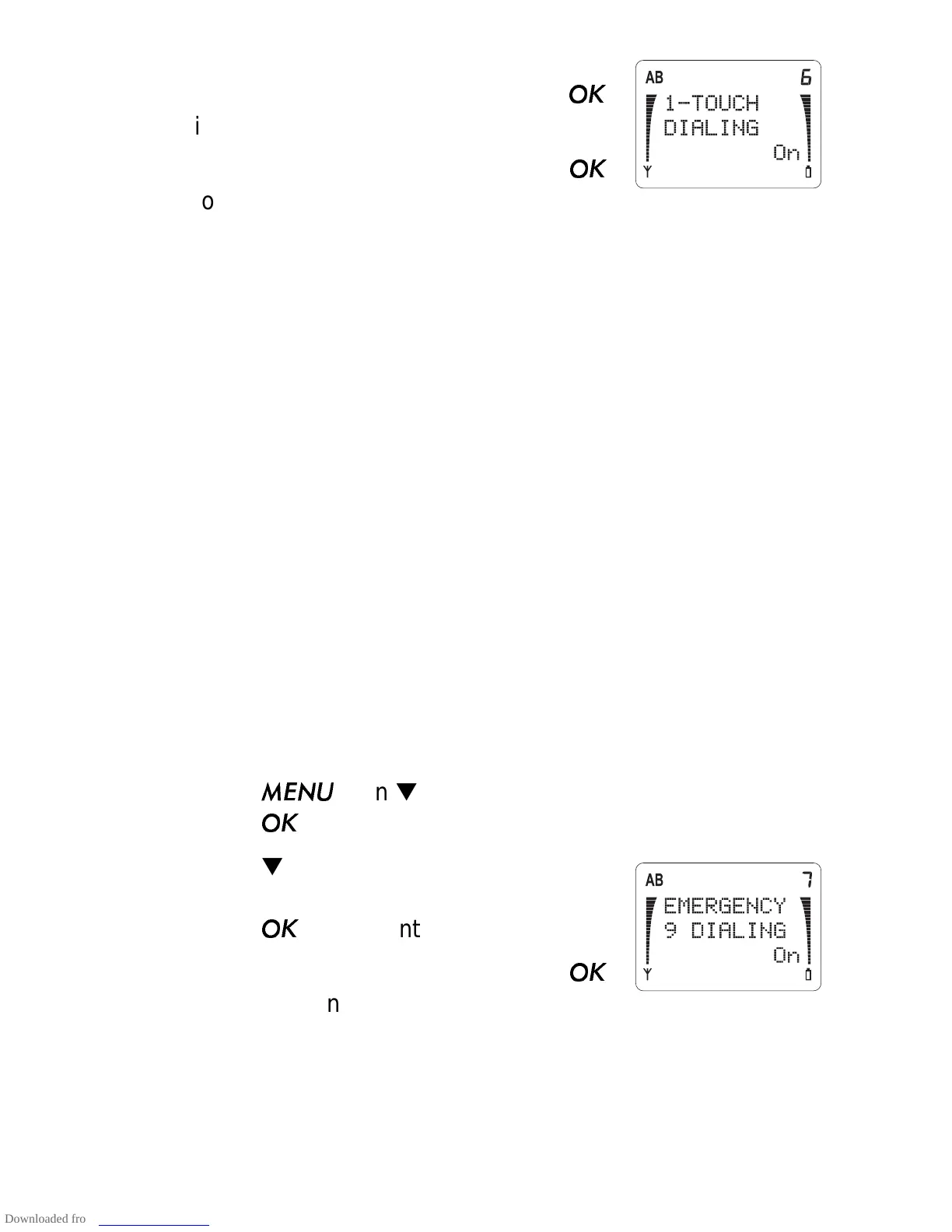
2) Press ▼ to scroll to
1-TOUCH DIAL-
ING
and the current setting. Press
if you want to change it.
3) Press ▼ to move the pointer. Press
to choose On or Off.
With 1-Touch Dialing On, you can dial the number stored in any
of the locations 1 to 8, by pressing and holding the correspond-
ing number key. If you press and hold 1, the phone dials your
voice mailbox number if you have stored it in this location.
Note: 1-Touch Dialing does not operate when Keyguard is On,
or when a call is already established.
If you press and hold 9, the phone attempts to make a call to the
emergency number pre-programmed into your phone if you
have Emergency 9 Dialing (Menu 3 7) set to On.
Emergency 9 Dialing (Menu 3 7)
You may dial the emergency number programmed in your
phone by your dealer, by pressing and holding the 9 key, only if
Menu 3 7 is set to On.
1) Press
then ▼ until you see
PHONE SETTINGS.
Press
.
2) Press ▼ to scroll to
EMERGENCY 9
DIALING and the current setting.
Press
if you want to change it.
3) Press ▼ to move the pointer. Press
to choose On or Off.
Language (Menu 3 8)
The menus and messages can be displayed in English, French,
Spanish, or Portuguese.



 To Next Page