41
Change Security Code (Menu 4 2)
The security code allows access to the lock code and certain
submenus, so it should be kept in a secret and safe place,
separate from the phone.
1) Press
then ▼ until you see
SECURITY SETTINGS.
Press
.
2) Enter your security code and press
.
3) Press ▼ to scroll to
CHANGE SECU-
RITY CODE
. Press
to change it.
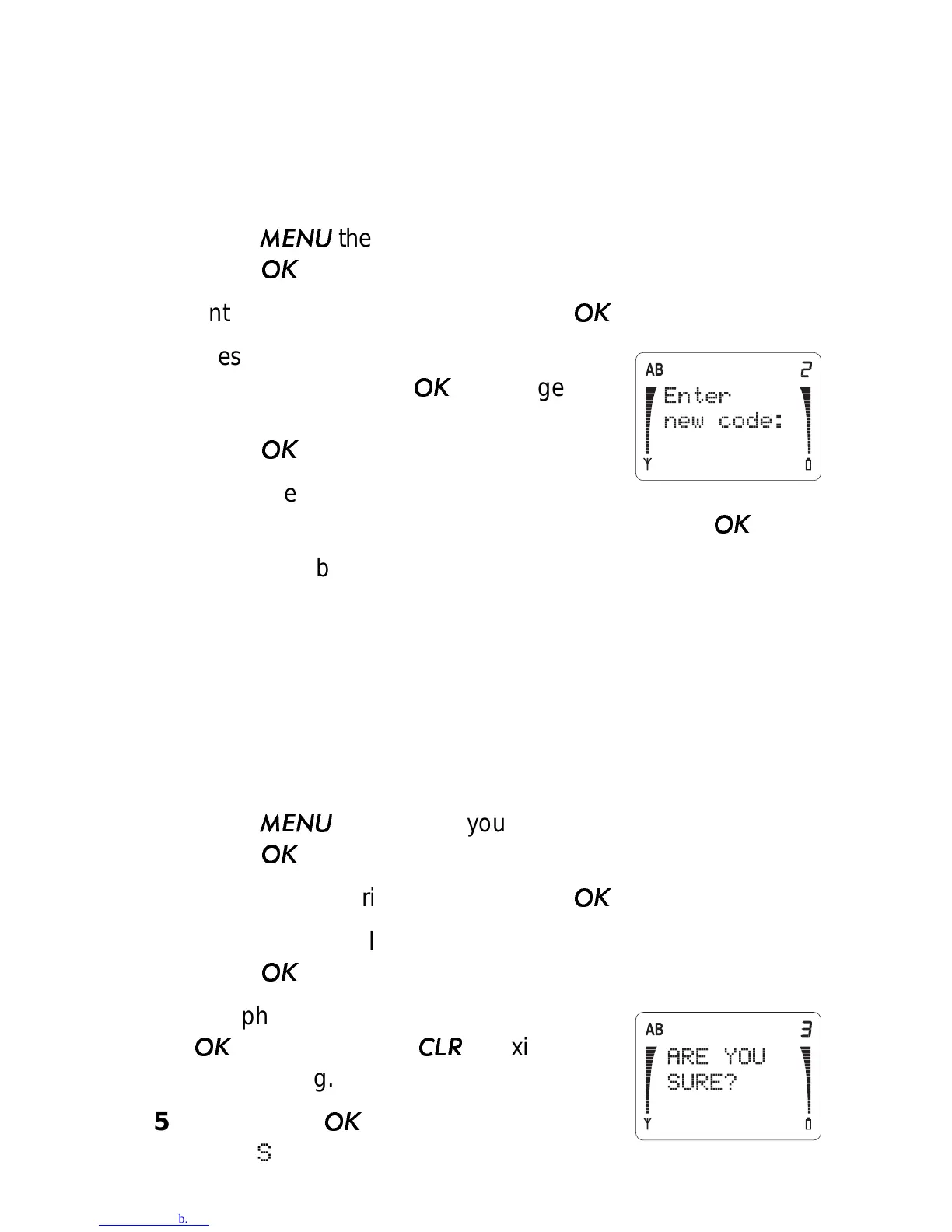
Enter a new 5-digit security code.
Press
.
4) When the phone asks you to verify
your new security code, enter it again and press
.
5) The phone briefly displays
SECURITY CODE CHANGED.
Restore Factory Settings (Menu 4 3)
This function resets the phone’s menus to their factory settings.
Note: The lock code and security code are not changed when
you reset the menu settings.
1) Press
then ▼ until you see
SECURITY SETTINGS.
Press
.
2) Enter your security code and press
.
3) Press ▼ to scroll to
RESTORE FACTORY SETTINGS.
Press
to reset them.
4) The phone asks you to confirm. Press
to reset or press
to exit with-
out resetting.
5) If you press
, the phone briefly dis-
plays
SETTINGS RESTORED.



 To Next Page