58
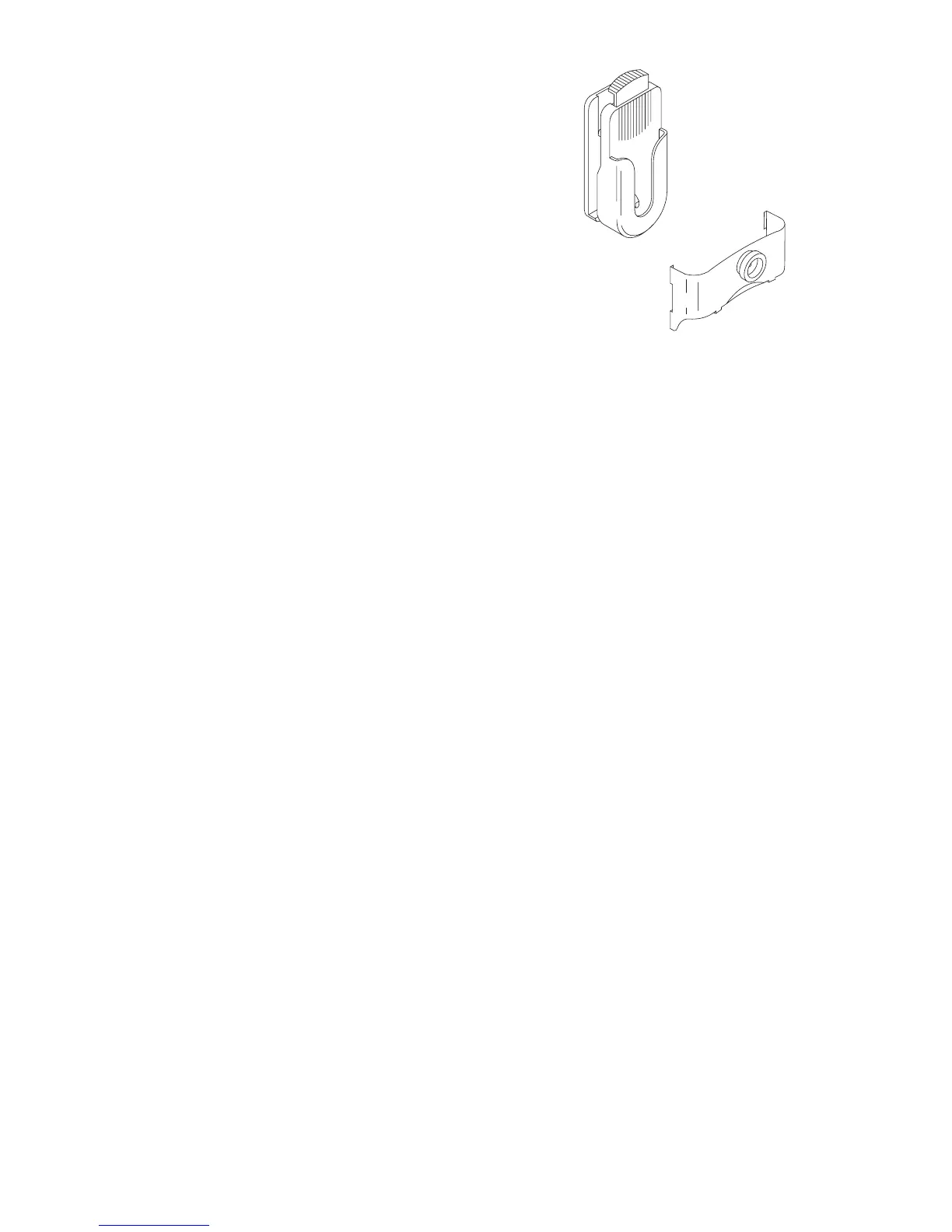
BCH-10 Belt Clip
The belt clip lets you easily wear your
phone. To attach the belt clip to the
phone, first remove the battery. Next
slide the metal clip onto the back of the
phone, then replace the battery. Attach
the clip holder to your belt and slide the
metal clip into the holder until it locks.
To release the phone from the clip
holder, press the release button on the
top of the holder.



 To Next Page