19
4.5 Interrogation of the operating information in the indication level
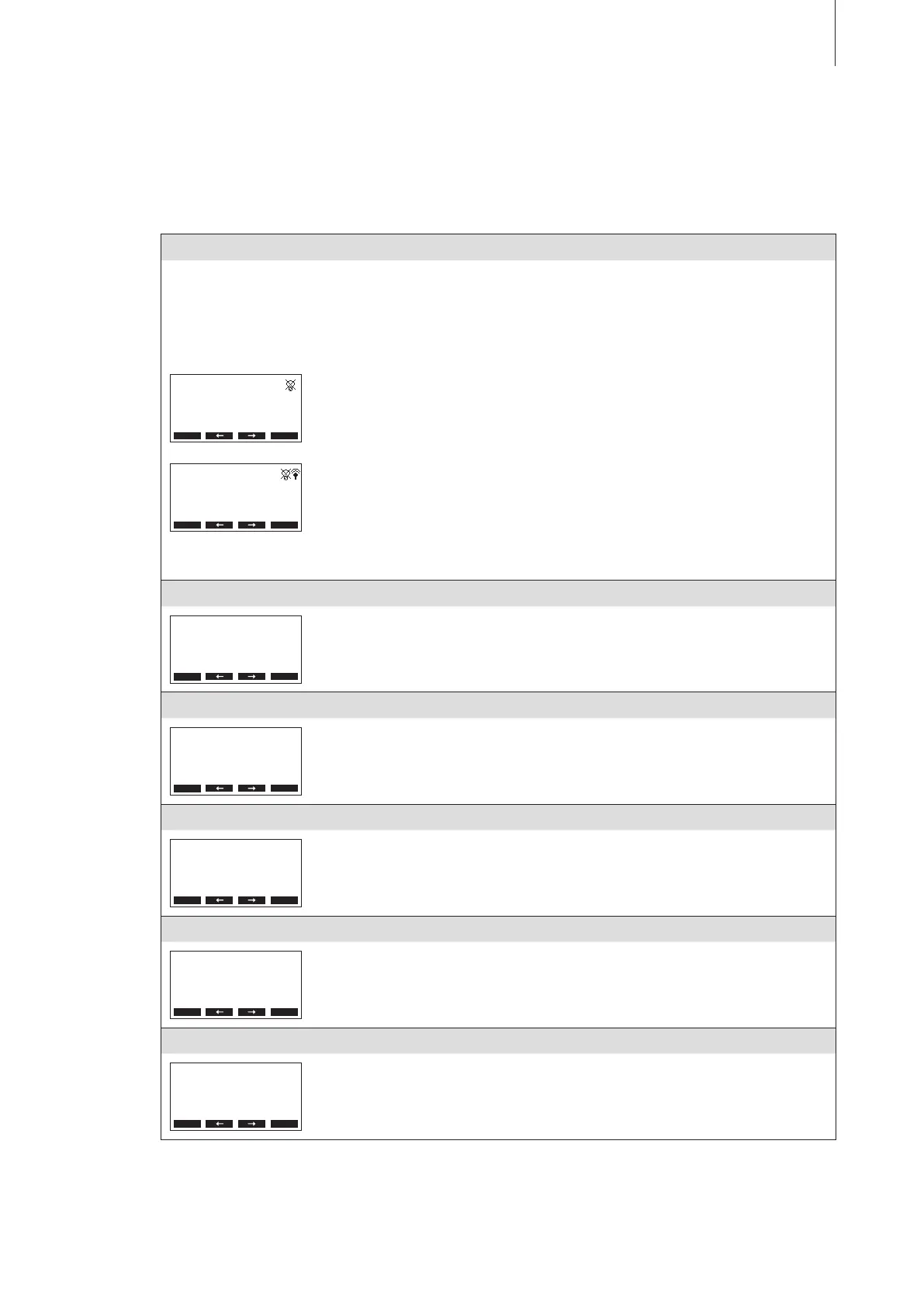
In the normal operating mode the operating and display unit is in the indication level. The indication
level forms a loop that includes several pages holding operating information which can be accessed
with the arrow keys. The various displays of the indication level are shown below.
Info page 1: standard operating display
The appearance of the standard operating display depends on the actual operating status and the congura-
tion of the Nordmann RC4/DC4. The following display are possible.
Note: if the optional radio humidity sensor and/or the “Time-Off” function for the steam LED is/are activated
the sensor symbol and/or the crossed out LED symbol is/are shown in the upper right corner of the standard
operating display.
Menu
RC4 230V2
Demand :50%
Lim. Control:80%
2011-10-31 12.00.00
Standard operating display with control via the external controller
– Standby (no humidity demand) or Demand % (humidity demand present)
– Set supply air limitation in % *
* this parameter appears only if external supply air limitation is activated
Menu
RC4 230V2
Act.Humidity: 75%rH
Hum.Setpoint: 50%rH
Lim.Humidity: 60%rH
Lim.Range : 70-90%
Standard operating display with control via the internal controller
– Actual humidity in %rh
– Set nominal humidity %rh
– Set supply air limitation in % **
– Set range for supply air limitation in % **
** these parameters appear only if internal supply air limitation is activated
Info page 2: performance data
Menu
RC4 230V2
Power Limit :100%
Demand :0%
∑ Steam :0.0kg/h
– Set power limitation in % of the maximum capacity
– Actual humidity demand in % of the maximum capacity
– Actual steam capacity of the unit in kg/h
Info page 3: operating hours
Menu
RC4 230V2
Operating Hours
Cylinder :40h
– Operating hours since the last reset.
Info page 4: settings
Menu
RC4 230V2
Software :1.20LA00
Controlsign.:0-10V
Limitsignal :0-10V
– Software version (1.20)/language version (LA00)
– Set control signal range (signal Y) or radio humidity sensor
– Set control signal range for the supply air limitation (signal Z). Appears only if
supply air limitation is activated.
Info page 5: drain settings
Menu
RC4 230V2
Drain Factor:1.0
Conductivity:>125µS
StandbyDrain:Full
Force Drain :O
– Set drain factor
– Conductivity of the water
– Set draining type in standby operation
– Set time interval for forced draining
Info page 6: timer settings
Menu
RC4 230V2
Timer
On/O Timer :O
Power Limit :O
Hum.Setpoint:O
– Actual status of On/Off timer
– Actual status of power limit timer
– Actual status of humidity setpoint timer (appears only if internal P/PI controller
is activated)



 To Next Page