30
4.6.7.5 Activating/Deactivating the forced draining
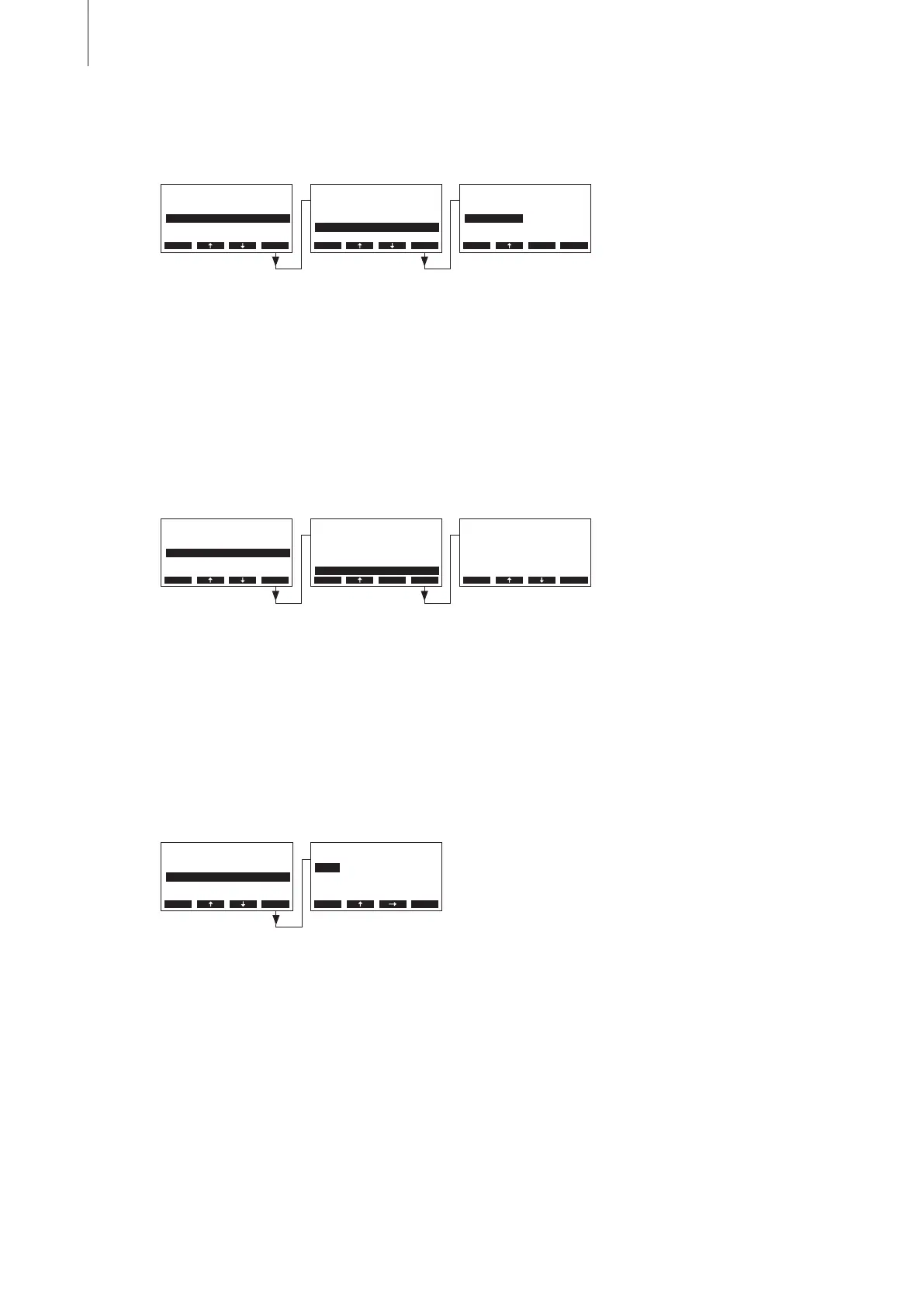
Select “Force Drain” in the water management settings submenu, then press the <Set> key.
Activating/Deactivating the forced draining which takes place after a certain time of operation (see
following setting).
Note: The forced draining takes place also during steam production.
Factory setting: Off
Options: On (Forced draining activated)
Off (Forced draining deactivated)
4.6.7.6 Setting the time of operation after which a forced draining takes place
Select “Force Delay” in the water management settings submenu, then press the <Set> key.
In the upcoming modication dialogue set the time of operation after which a forced draining takes
place.
Factory setting: 72 hours
Setting range: 1...720 hours
4.6.8 Setting the date
Select “Date” in the settings menu, then press the <Set> key.
In the upcoming modication dialogue set the actual date (format:“yyyy-mm-dd”).
Water Manag.
StandbyDrain:Full
StandbyDelay:72h
Force Drain :On
Drain Factor:1.0
Force Delay :72h
Esc Set
Force Drain
O
On
On
Esc Set
Water Manag.
StandbyDrain:Full
StandbyDelay:72h
Force Drain :On
Drain Factor:1.0
Force Delay :72h
Esc Set
Force Delay
72 h
72 h
Esc Set
Settings
Water Manag.:Set
Date :31-10-11
Time :12:00
GFCI-Mode :On
Display/LED :Set
Esc Set
Settings
GFCI-Mode :On
Water Manag.:Set
Date :31-10-11
On/O Timer :Set
Time :12:00
Esc Set
Settings
GFCI-Mode :On
Water Manag.:Set
Date :31-10-11
On/O Timer :Set
Time :12:00
Esc Set
Date
2011-10-31
2011-10-31
Esc Set



 To Next Page