31
4.6.9 Setting the time
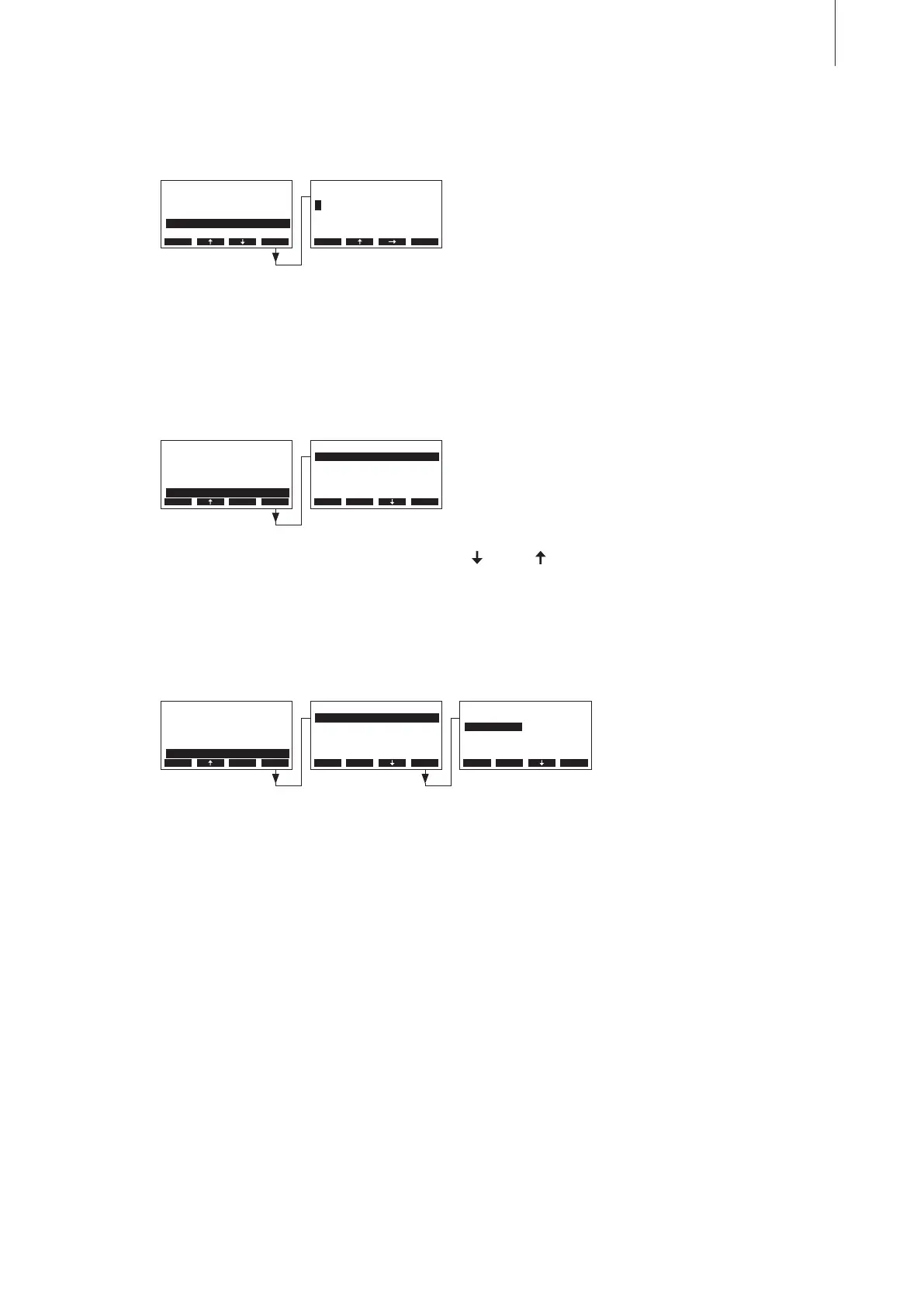
Select “Time” in the settings menu, then press the <Set> key.
In the upcoming modication dialogue set the actual time (format:“hh:mm”).
4.6.10 Conguring the display and the steam LED
Select “Display/LED” in the settings menu, then press the <Set> key.
The display/LED settings appear. Press the <
> and < > keys in order to select the individual set-
tings. Detailed information on the different settings are found in the following chapters.
4.6.10.1 Conguring the backlight
Select “Backlight” in the display/LED settings submenu, then press the <Set> key.
In the upcoming modication dialogue select whether the backlight should be permanently switched
on (On) or the backlight is switched off after certain period of time (Time-Off).
Factory setting: On
Options: On (backlight permanently switched on)
Time-Off (backlight is switched off after a certain period of time, see chap-
ter 4.6.10.3)
Settings
Water Manag.:Set
Date :31-10-11
Time :12:00
GFCI-Mode :On
Display/LED :Set
Esc Set
Time
12:00
12:00
Esc Set
Display/LED
Steam-LED :Time-O
O-Timeout :5min
Contrast :30
Backlight :On
Brightness :80%
Esc Set
Backlight
On
Time-O
On
Esc Set
Display/LED
Steam-LED :Time-O
O-Timeout :5min
Contrast :30
Backlight :On
Brightness :80%
Esc Set
Settings
Water Manag.:Set
Date :31-10-11
Time :12:00
GFCI-Mode :On
Display/LED :Set
Esc Set
Settings
Water Manag.:Set
Date :31-10-11
Time :12:00
GFCI-Mode :On
Display/LED :Set
Esc Set



 To Next Page