20
4.6 Unit settings
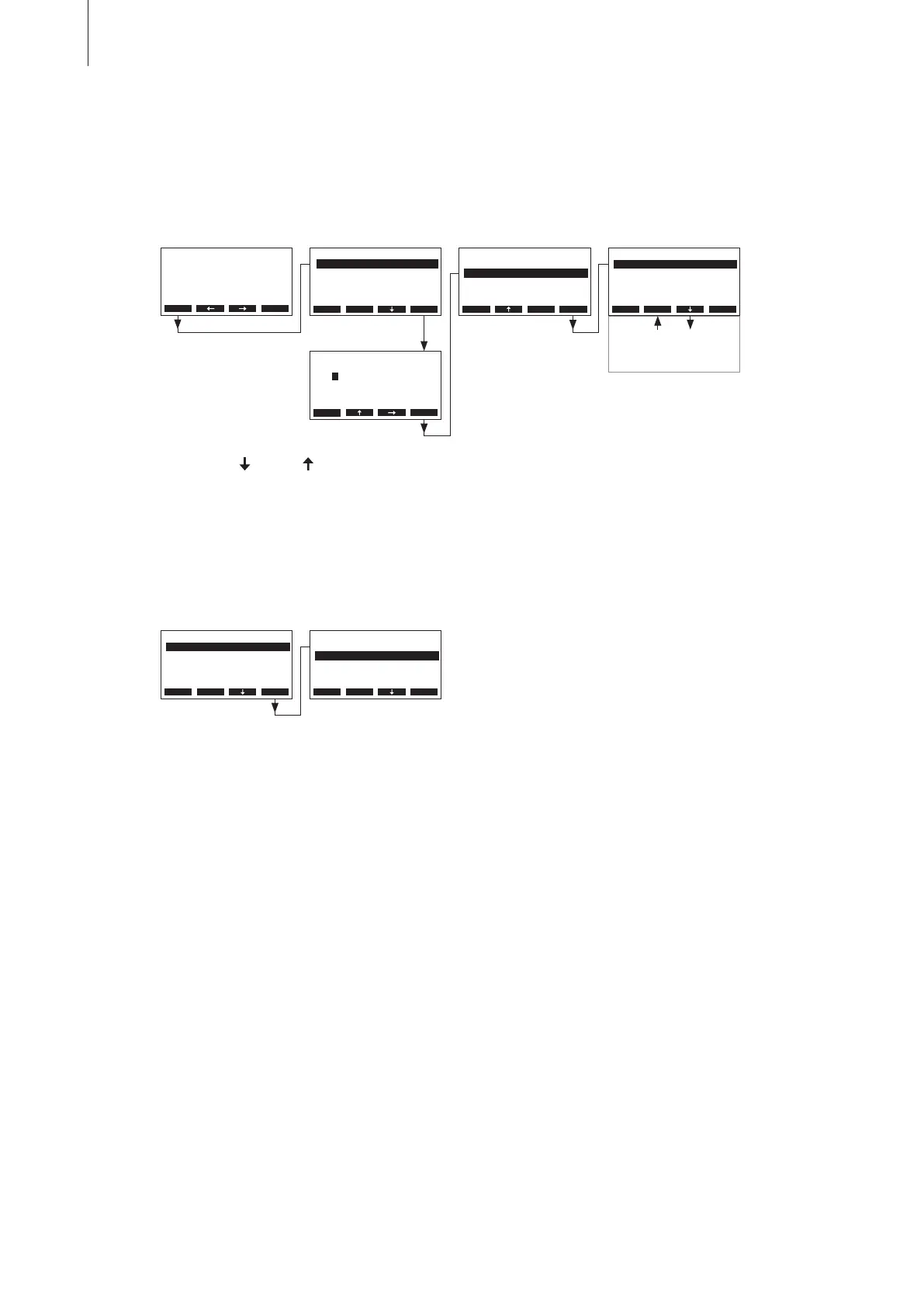
4.6.1 Launching the unit settings menu
Select the unit settings menu:
Path: Main menu > User > Password entry: 3562 > Settings
4.6.2 Selecting the dialogue language
Select “Language” in the settings menu, then press the <Set> key.
Press the <
> and < > keys in order to select the individual settings in the settings menu.
Detailed information on the different settings are found in the following chapters.
In the upcoming modication dialogue select the desired dialogue language. After conrmation, the
unit automatically switches to the selected dialogue language.
Factory setting: country specic
Options: divers languages
User Code
Enter Number
Conrm with Set
Esc Set
3562
User
Settings :Set
Maintenance :Set
Esc Set
Settings
Controls :Set
Power Limit :100%
On/O Timer :Set
Language :English
GFCI-Mode :On
Esc Set
Time :12:00
Display/LED :Set
Date :01.10.08
Water Manag.:Set
Language
English
German
French
English
Italian
Esc Set
Settings
Controls :Set
Power Limit :100%
On/O Timer :Set
Language :English
GFCI-Mode :On
Esc Set
Main Menu
Engineering :Set
Diagnostic :Set
User :Set
Esc Set
RC4 230V2
Standby
2011-10-31 12.00.00
Menu



 To Next Page