29
4.6.7.2 Setting the drain factor
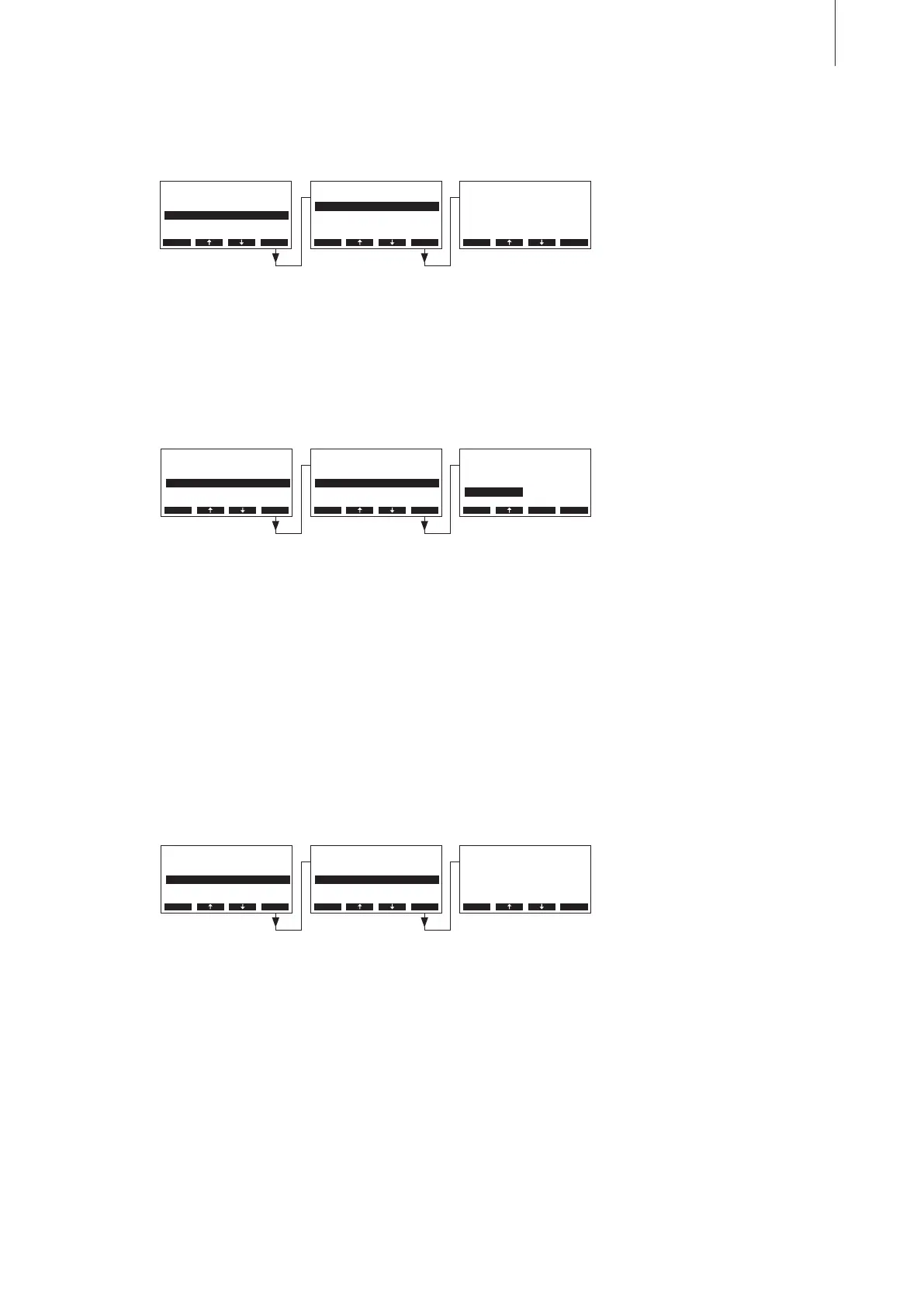
Select “Drain Factor” in the water management settings submenu, then press the <Set> key.
In the upcoming modication dialogue select the type of draining which takes place after a certain
time (see following setting) in standby operation.
Factory setting: Full
Options: Full (complete draining of the cylinder)
Partial (partial draining of the cylinder) **
Off (draining deactivated)
** The cylinder is drained so far that the water does not touch the electrodes
any longer.
4.6.7.4 Setting the period of time in standby operation after which an automatic
cylinder draining takes place
Select “StandbyDelay” in the water management settings submenu, then press the <Set> key.
In the upcoming modication dialogue set the period of time in standby operation after which an
automatic cylinder draining takes place.
Factory setting: 72 hours
Setting range: 1...720 hours
In the upcoming modication dialogue set the drain factor in relation to the steam capacity.
Factory setting: 1.0
Setting range: 0.5...2.0
4.6.7.3 Selecting the type of draining in standby operation
Select “StandbyDrain” in the water management settings submenu, then press the <Set> key.
Water Manag.
Drain Factor:1.0
StandbyDrain:Full
StandbyDelay:72h
Conductivity:>125µS
Force Drain :On
Esc Set
Drain Factor
1.0
1.0
Esc Set
Water Manag.
Drain Factor:1.0
StandbyDrain:Full
StandbyDelay:72h
Conductivity:>125µS
Force Drain :On
Esc Set
StandbyDrain
O
Partial
Full
Full
Esc Set
Water Manag.
StandbyDrain:Full
StandbyDelay:72h
Force Drain :On
Drain Factor:1.0
Force Delay :72h
Esc Set
StandbyDelay
72 h
72 h
Esc Set
Settings
GFCI-Mode :On
Water Manag.:Set
Date :31-10-11
On/O Timer :Set
Time :12:00
Esc Set
Settings
GFCI-Mode :On
Water Manag.:Set
Date :31-10-11
On/O Timer :Set
Time :12:00
Esc Set
Settings
GFCI-Mode :On
Water Manag.:Set
Date :31-10-11
On/O Timer :Set
Time :12:00
Esc Set



 To Next Page