4
Your Telephone Call Features
Make a Call
To make a call from your telephone, use the following procedure:
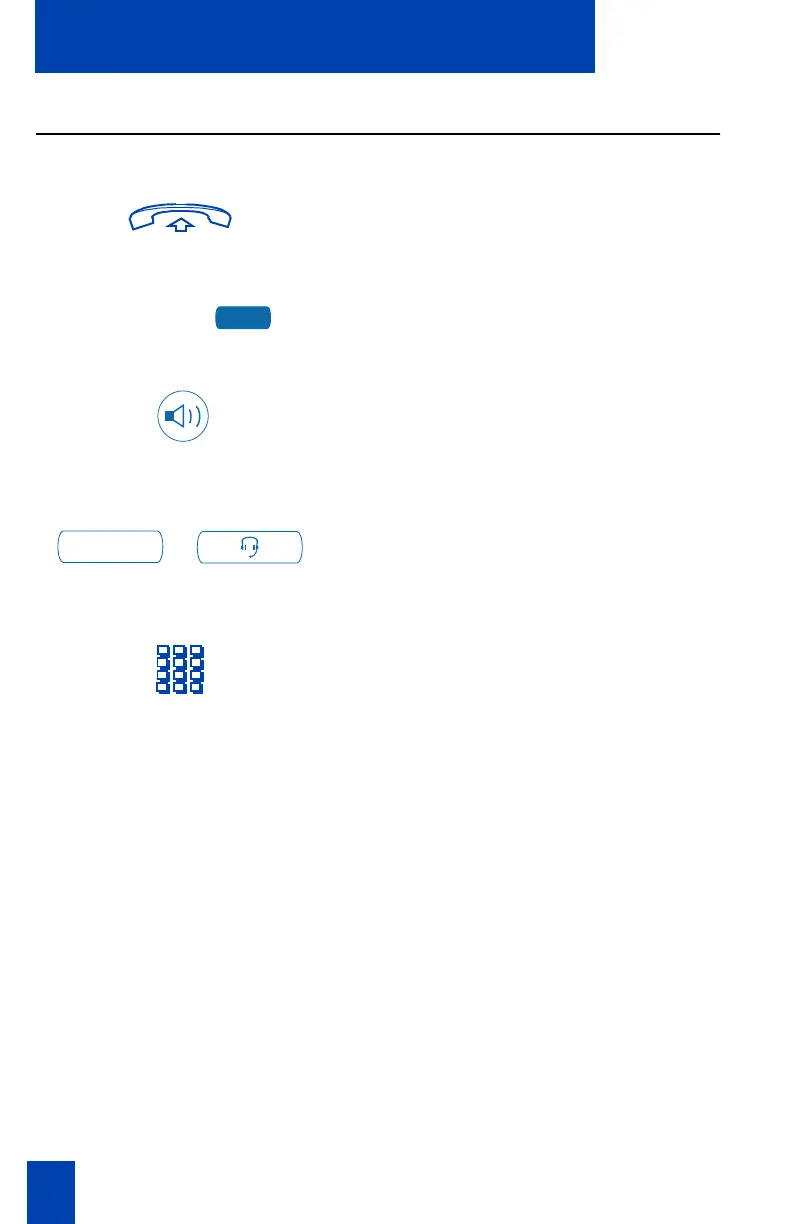
1. Lift the handset.
or or
or
Press the Line (DN) Key.
or
or
Press the Handsfree Key.
Note: The Handsfree Key must be enabled
by the network administrator
or
/
Press the Headset Key if you have a
headset connected to your telephone
(available on the M3903 and
M3904).
2. Dial the number.
Note: Whenever you see the message “Lift the handset.” in this guide, you may
alternatively press a free Line (DN) Key, the Handsfree Key, or Headset Key (if a headset is
connected). You receive a dial tone from each action.
2498
Headset











 To Next Page