33
Directory display and controls
Use Directory password protection
You can password protect your Call Log, Redial list, and Personal Directory.
Note: Password protection is only available on the M3904.
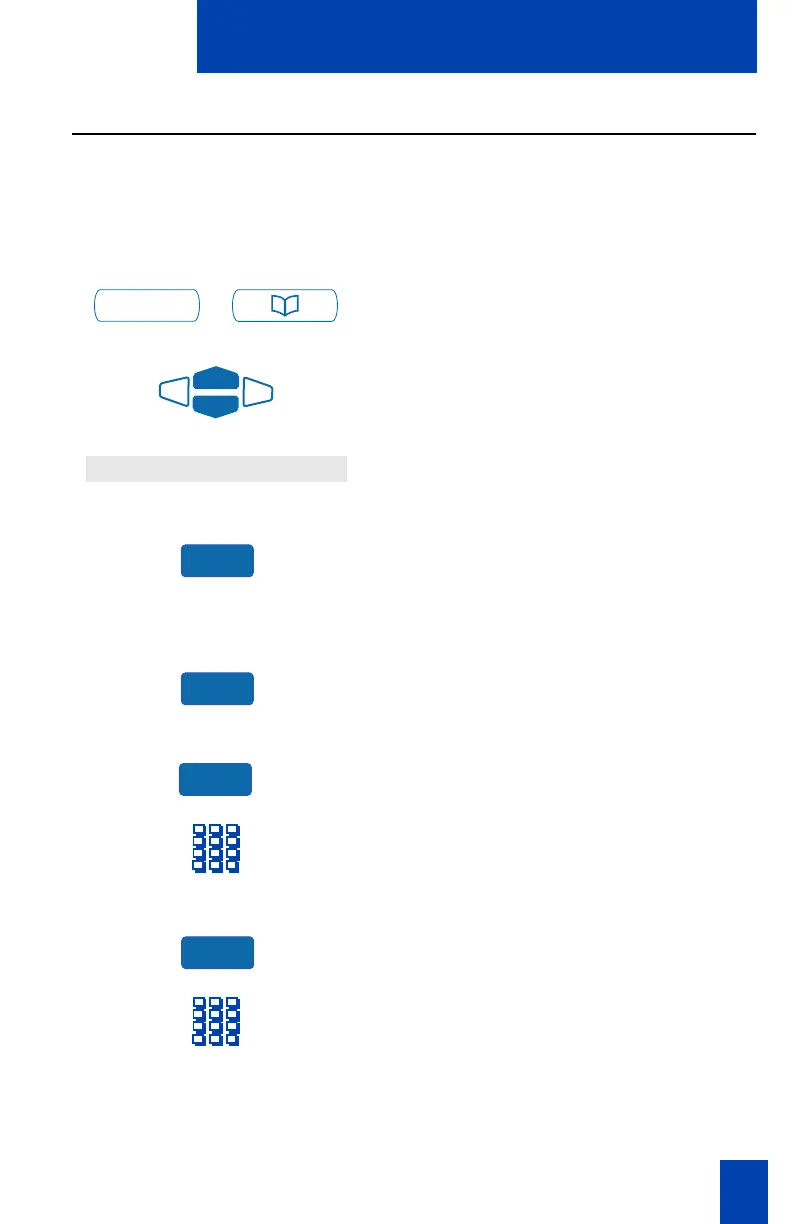
To enable password protection:
/
1. Press the Directory/Log Key.
2. From the Directories menu, use the
Navigation Keys to highlight
Password Administration.
3. Press the Select Key.
The Password Administration menu
appears with Password enabled: OFF
highlighted.
4. Press the Select Key again to select
Password enabled: OFF.
5. Press the On Key to enable password
protection.
6. Dial the password.
7. Press the Enter Key.
8. Dial (enter) the password again to
confirm your password.
Directory/Log
Password Administration
Select
Select
On
Enter















 To Next Page