12
Receive a call
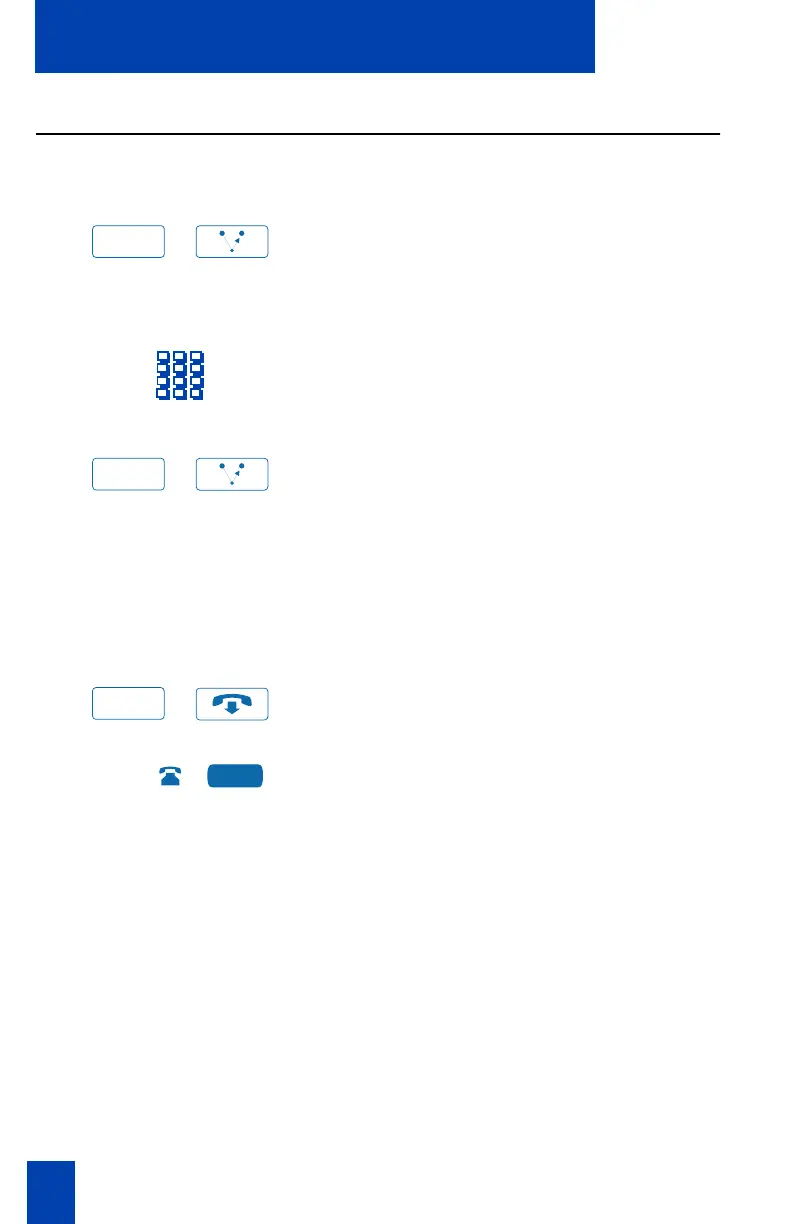
Transfer a call (M3902)
Use the Transfer feature to direct a call to a third party.
/
1. Press the Transfer Key.
The other party is on hold and you
receive dial tone. The LCD indicator
lights steadily.
2. Dial the number of the telephone
where the call is to be transferred.
/
3. Press the Transfer Key again, when
you hear the ring, or after you talk to
the person at the transfer number.
The LCD indicator goes from steady on
to off.
If the person you attempt to transfer
the call to is unavailable:
/
1. Press the Goodbye Key.
2. Press the Line (DN) Key to reconnect
to the original call.
The LCD indicator goes from flashing
to steady on.
Note: On the Meridian SL-100, press the
Transfer Key, dial the number, and hang
up. If you press the Transfer Key a second
time, you get a three-way conference.
Transfer
Transfer
Goodbye















 To Next Page