35
Manage Call Log
Manage Call Log
The Call Log records the name and number of incoming and outgoing calls and
can be password protected on the M3904. You can activate Call Log to record all
calls, record only the unanswered calls, or record no incoming calls.
The Callers List stores incoming calls, and the Redial List stores outgoing calls in
order of date and time received/made. The oldest call is stored at the top of the
list. The newest call is stored at the bottom of the list.
The M3904 Call log list holds up to 100 entries for incoming calls in the Callers
List and 20 entries for outgoing calls in the Redial List. The M3904 can copy a
number from the Callers List or Redial List and store it in the Personal Directory.
The M3903 Call log list holds up to 10 entries for incoming calls in the Callers List
and 5 entries for outgoing calls in the Redial List.
Access and use the Callers List (M3903)
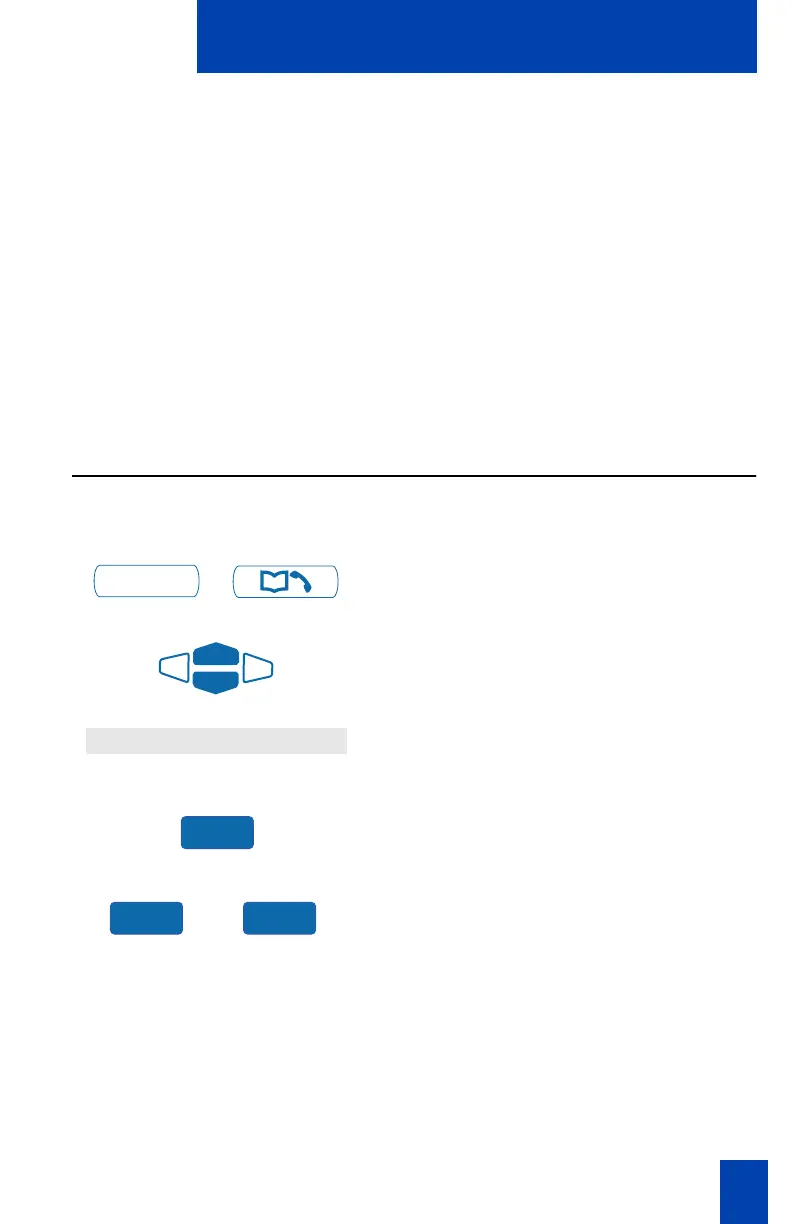
To access your Callers List:
/
1. Press the Call Log Key.
2. Use the Navigation Keys to highlight
Callers List.
3. Press the Select Key.
or
4. Press the New Key to go to the top of
the new calls list, or press the Old Key
to go to the top of the old calls list.
Call Log
Callers List
Select
New Old















 To Next Page