52
Secure your telephone
Secure your telephone
You can lock your telephone with a password to prevent unauthorized use of your
telephone. Note: The Meridian SL-100 does not support this feature.
To lock your telephone:
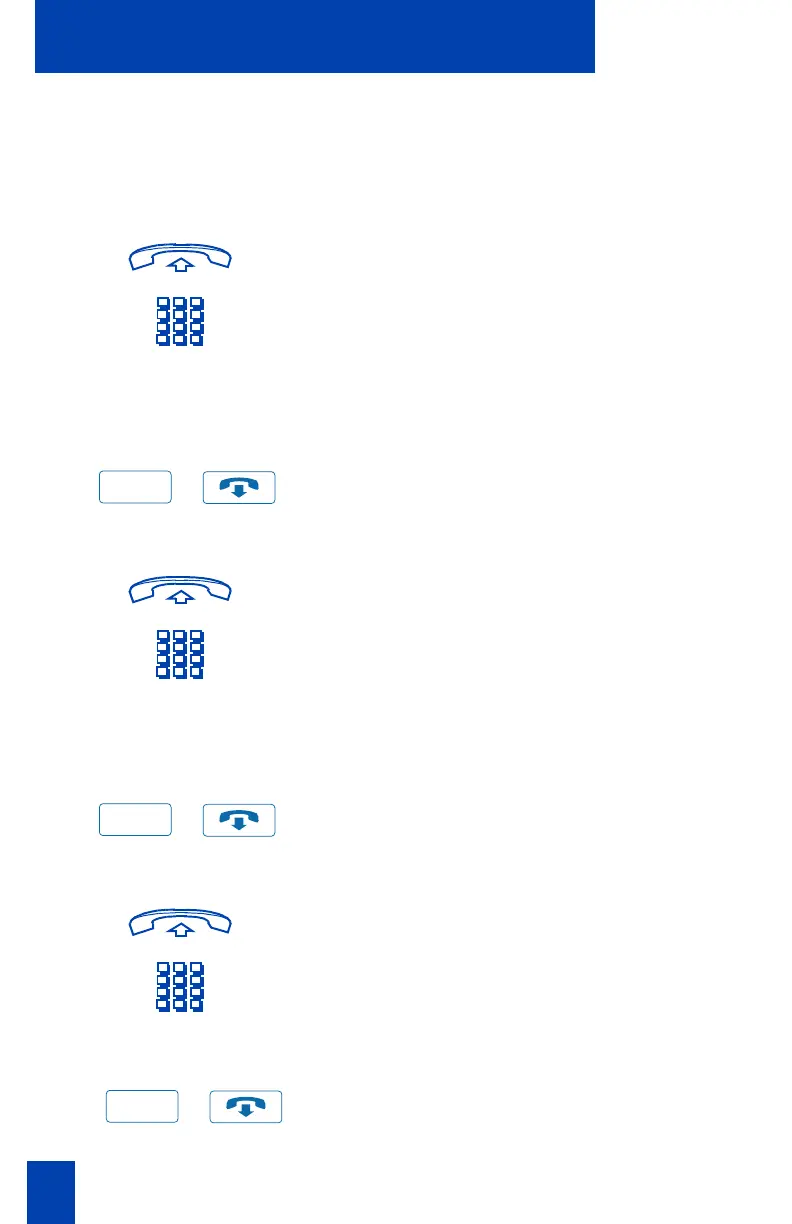
1. Lift the handset.
2. Dial the Lock Flexible Feature Code
(FFC) and your Electronic Lock
Password.
Note: If you perform this operation from
someone else’s telephone, dial your line
(DN).
/
3. Press the Goodbye Key.
To unlock your telephone:
1. Lift the handset.
2. Dial the Unlock Flexible Feature Code
(FFC) and your Electronic Lock
Password.
Note: If you perform this operation from
someone else’s telephone, dial your line
(DN).
/
3. Press the Goodbye Key.
To change your password:
1. Lift the handset.
2. Dial the Password Change Flexible
Feature Code (FFC) and your current
password. Dial your new password
twice (for verification).
/
3. Press the Goodbye Key.
Goodbye
Goodbye
Goodbye















 To Next Page