48
Corporate Directory
Corporate Directory
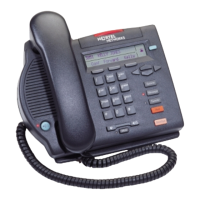
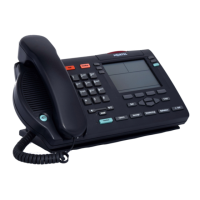
The Corporate Directory application (available on the M3903 and M3904)
allows you to search by entering the characters in the name of the person you are
calling, beginning with the last name. Once you have located the name and
number of the person, you may use the dial soft key to call the number. On the
M3904, you may copy an entry from the Corporate Directory and paste it into
your telephone’s Personal Directory for quick access. Note: This feature is not
available on the Meridian SL-100 at this time.
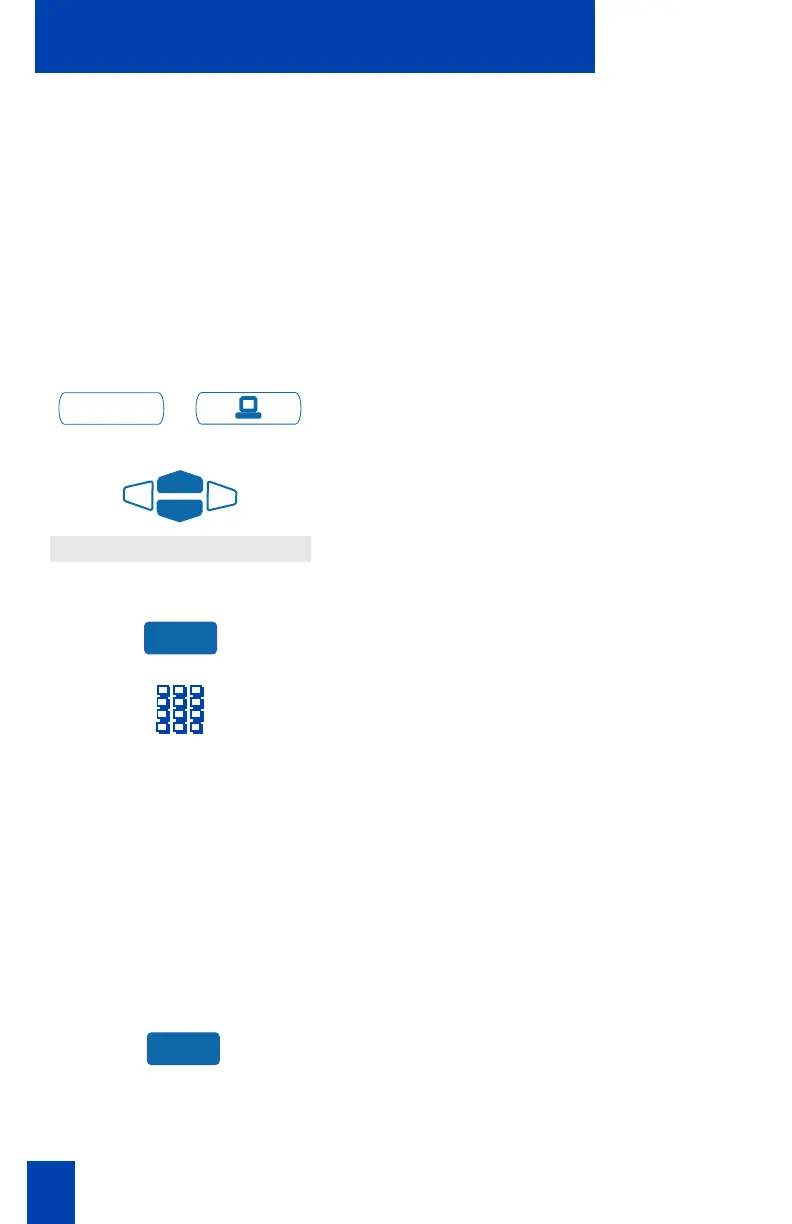
To use the Corporate Directory
application:
/
1. Press the Applications Key.
2. From the Applications menu, use the
Navigation Keys to highlight
Corporate Directory
.
3. Press the Select Key. The Cor Dir Find
screen appears.
4. Use the dial pad to enter the name of
the person you want to call. Enter the
last name first. Separate the last name
and first name with a comma.
Note 1: The comma is the first character on
the ⁄
Key on your dial pad.
Note 2: You do not need to enter the
entire name. When the Done Key is
pressed, the application will highlight the
first directory entry that matches the text
that you entered.
5. Press the Done Key. The application
highlights the first directory entry that
matches the text you entered in step 4.
If there is no match, the screen
displays
No matches found for . . .
(the text that you entered).
Applications
Corporate Directory
Select
Done











 To Next Page