11
Receive a call
Receive a call
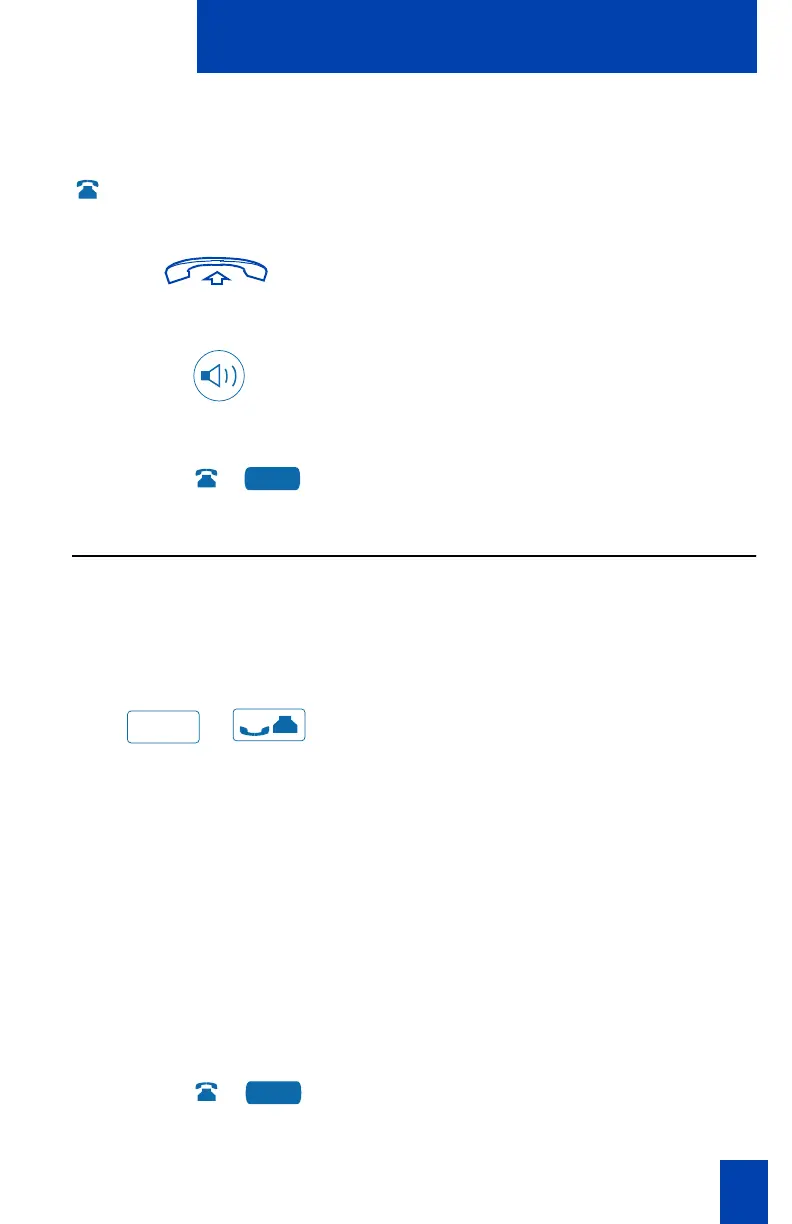
When you receive an incoming call, your telephone rings and the LCD indicator
flashes.
To answer a call:
or
or
Lift the handset.
or
Press the Handsfree Key.
or
Press the flashing Line (DN) Key when
using a headset.
Place a call on Hold
Use the Hold feature when you are talking with one party and a second call
comes in on a second line. You can answer the second call and retain the original
call by putting it on hold.
To place a call on hold:
/
Press the Hold Key.
The LCD indicator flashes beside the
Line (DN) on hold.
Note 1: If Automatic Hold is enabled, the
active call is automatically put on hold
when you answer the second call. On the
Meridian SL-100, Automatic Hold is the
default.
Note 2: The caller hears music while on
hold, if the Music On Hold feature is
configured on your system.
To retrieve a call on hold:
Press the Line (DN) Key beside the
flashing LCD indicator.
2498
Hold
2498











 To Next Page