17
Additional call features
Additional call features
Use Call Pickup
The Call Pickup feature allows you to pick up a call from any telephone in the
same Pickup Group or another Pickup Group. This feature must be enabled by
your network administrator.
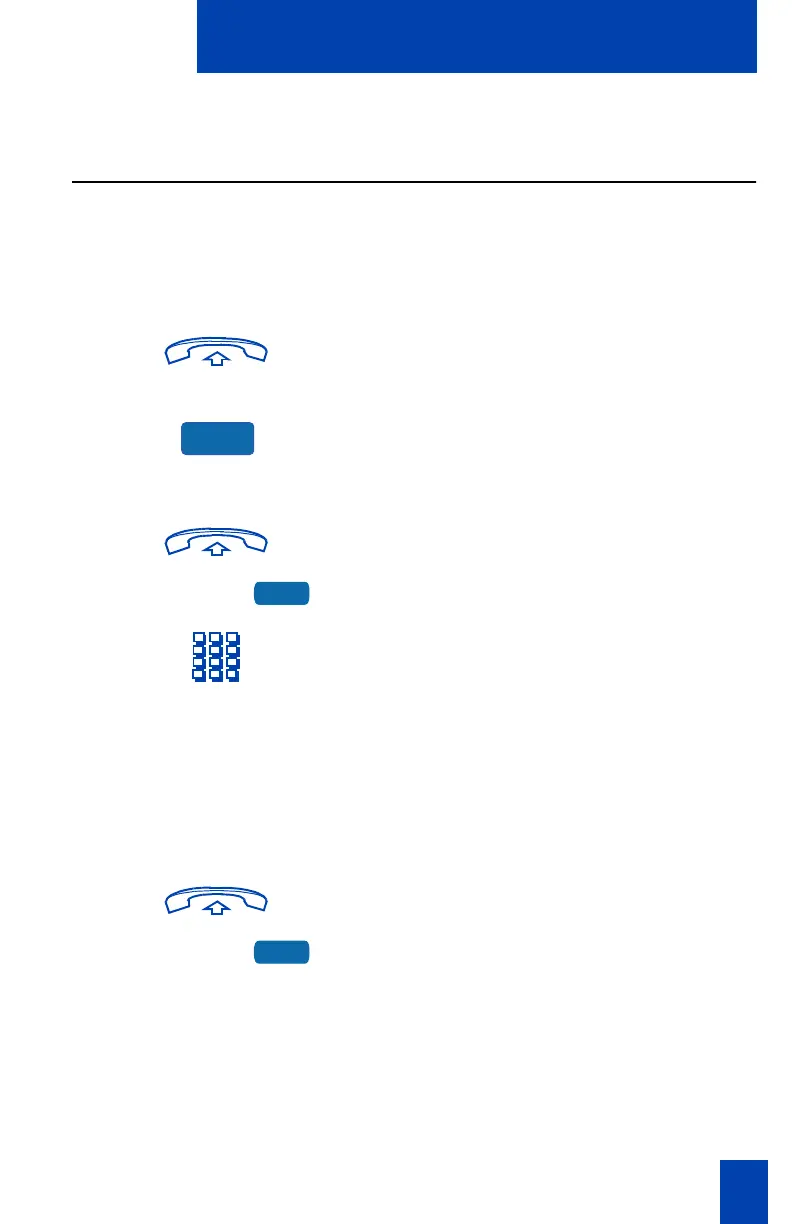
To answer a call in your own Call
Pickup Group:
1. Lift the handset.
2. Press the Pickup Key.
To answer an incoming call in
another Call Pickup Group:
1. Lift the handset.
2. Press the Group Pickup Key.
3. Dial the Pickup Group number of the
telephone that is ringing.
Note 1: The network administrator assigns
the Pickup Group number.
Note 2: This feature is not applicable on
the Meridian SL-100 system.
To answer a call at a specific
extension number within your Pickup
Group:
1. Lift the handset.
2. Press the DN Pickup Key.
Note 1: The Meridian SL-100 uses the
Directed Call Pickup Feature Access Code
(FAC).
Note 2: If the pickup DN is invalid, you
receive an overflow burst tone, and the
screen displays Release and try again.
Press the Goodbye Key.
Pickup
GrpPickup
DNPickup















 To Next Page