20
Additional call features
Engage Group Listening
The Group Listening feature allows others to listen to a call through the speaker
while you are speaking through the handset. Group Listening must be enabled by
your network administrator. Please refer to “Activate Group Listening” on page 31
for instructions on activating the Group listening option in the Options List.
To engage Group Listening while on
a call:
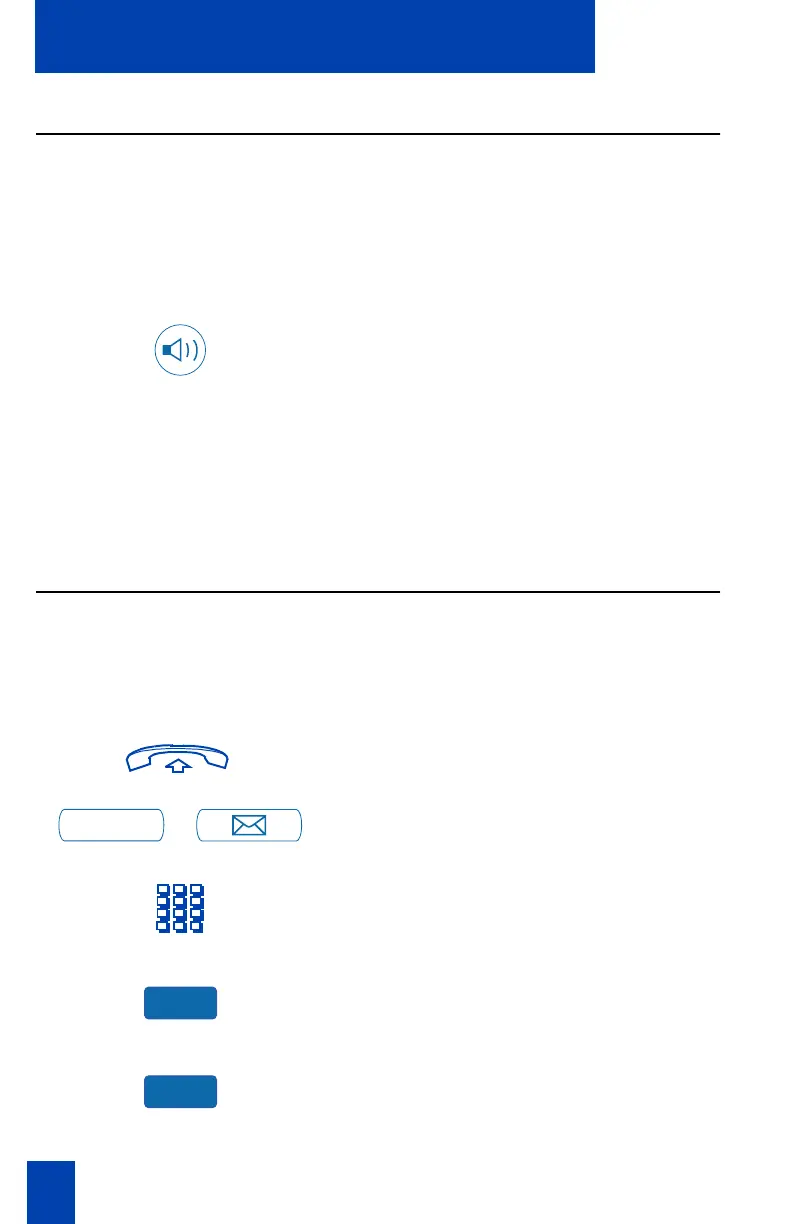
Press the Handsfree Key. Everyone
hears the caller over the speaker, but
the caller only hears what is picked up
by the handset.
Note: Because the Group Listening feature
does not alert the caller that the
conversation is being monitored, you must
tell the caller that others are listening to the
conversation.
Use the Voice Messaging control screens (M3903 and M3904)
The Voice Messaging control screens allow you to send commands while
connected to your voice messaging system using the Soft Keys instead of the dial
pad. Note: This feature is not available on the Meridian SL-100.
To use Voice Messaging controls:
1. Lift the handset.
/
2. Press the Message Key.
3. Use the dial pad to log in to your voice
mailbox.
4. Press the Voice Message Key.
5. Press the Play Key to play your first
new message.
Note: Use the More. . . Key to view
additional message options.
Message
Vmsg
Play















 To Next Page