13
Receive a call
Transfer a call (M3903 and M3904)
Use the Transfer feature to direct a call to a third party.
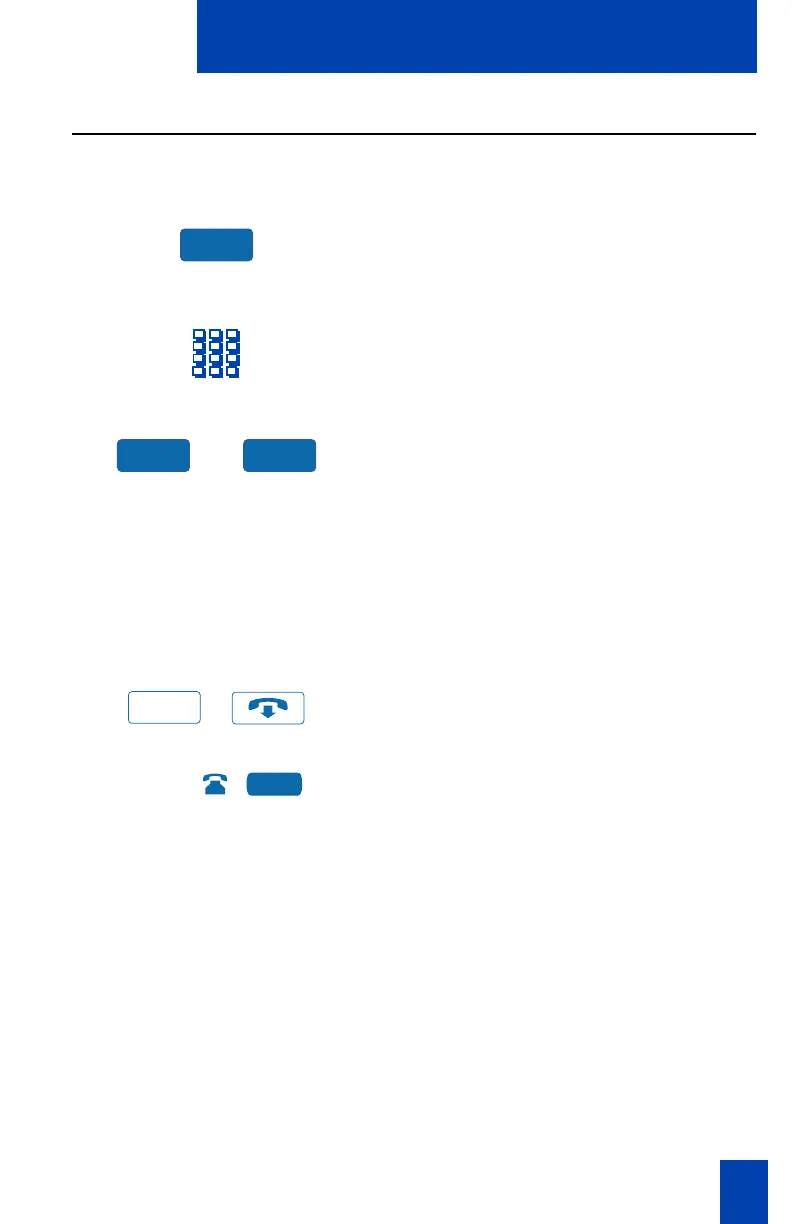
1. Press the Transfer Key.
The other party is on hold and you
receive dial tone. The screen displays
Call on hold, dial number
.
2. Dial the number of the telephone
where the call is to be transferred.
or
3. Press the Swap Key to switch between
talking with the original caller and the
new caller. Press the Connect Key to
complete the transfer.
The two callers are connected and
your telephone is ready to make or
receive new calls.
If the person you attempt to transfer
the call to is unavailable:
/
1. Press the Goodbye Key.
2. Press the Line (DN) Key with the
flashing icon to return to your original
call
.
Trans
Swap Connect
Goodbye
2637















 To Next Page